Transcribana
Transcription guides
Practical guides to preparing recordings, reviewing transcripts and choosing subtitle formats.
Arabic Transcription: Review Dialect, Meaning and Subtitles
A practical Arabic review workflow for dialect words, names, negation, numbers and mixed-direction text, without silently rewriting the speaker.
Audio and Video to Text: A Complete First-Recording Workflow
Take a local recording from file selection to a checked transcript. Choose the language, review important words and save the right text or subtitle export.
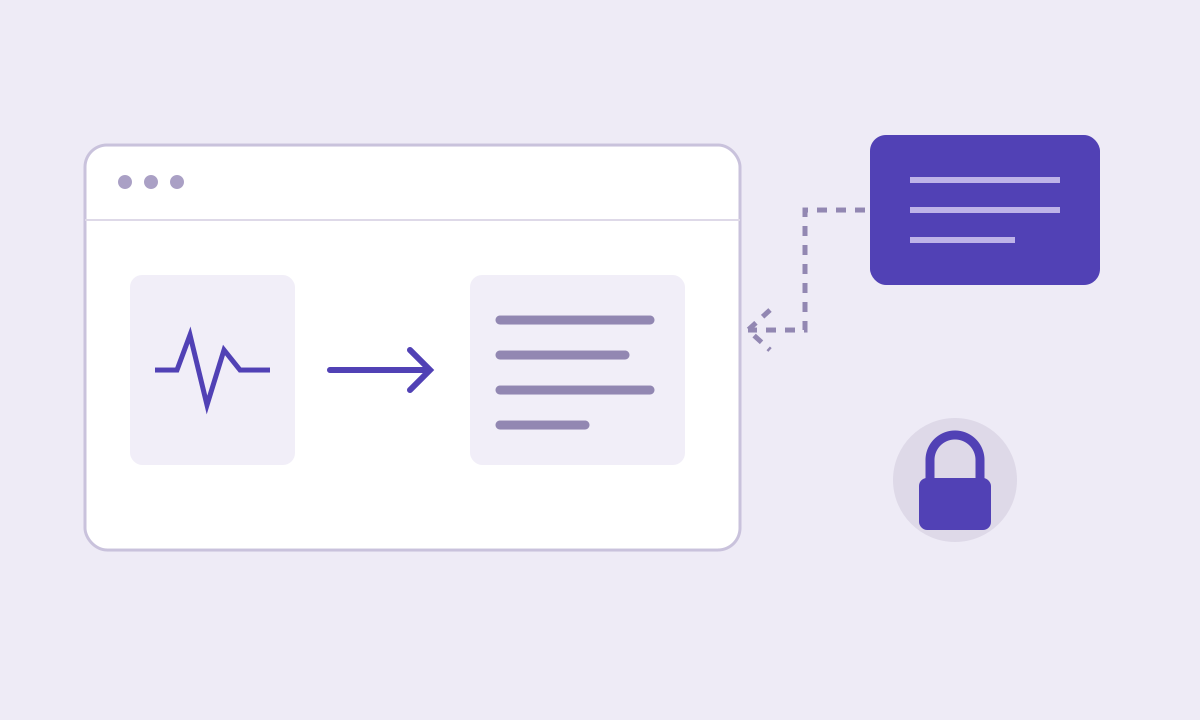
Browser Transcription Privacy: What Leaves Your Device?
Separate local media processing from model downloads, optional analytics and browser storage. Understand what Transcribana keeps local and what still uses the network.

Review a French Transcript Without Changing Its Meaning
Check French names, numbers and negation against the recording. Separate recognition errors from stylistic edits and review suggestions deliberately.
Record Clearer Audio for Transcription
Prepare an interview or lecture recording with a listening test, a practical preflight checklist and a plan for checking uncertain words.
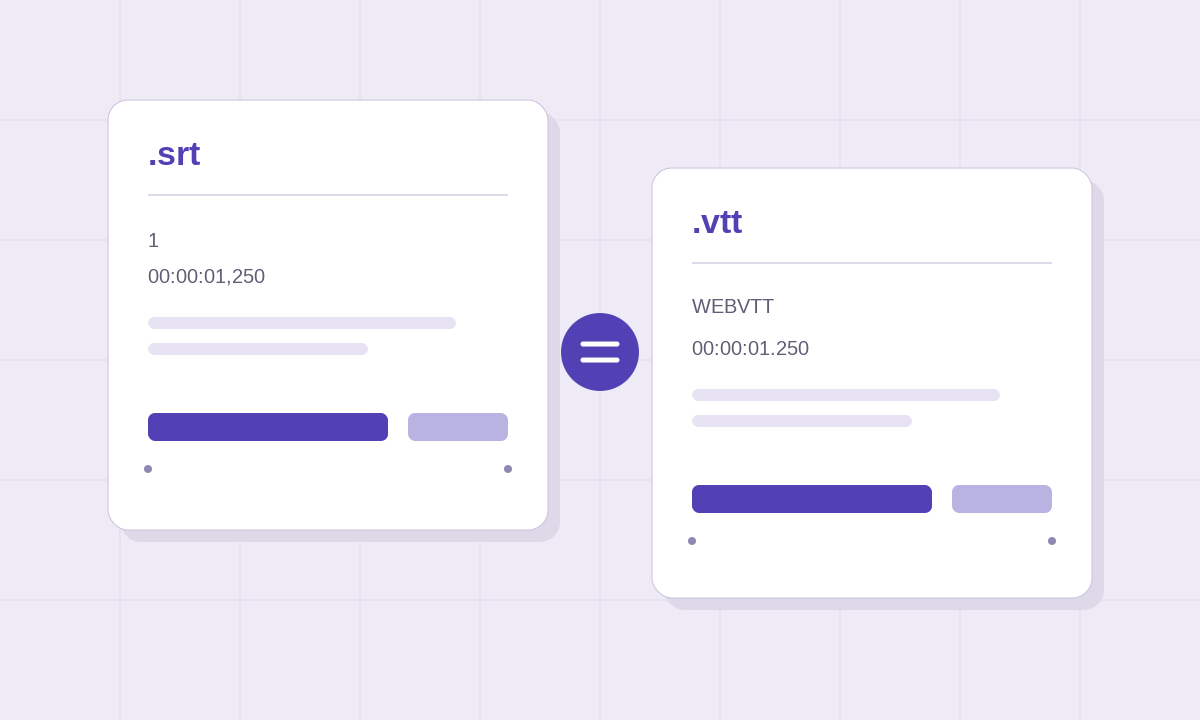
SRT vs VTT: Differences, Examples and Which to Use
Compare SRT and WebVTT with matching examples. Check subtitle syntax, understand Transcribana exports and review common problems before publishing.
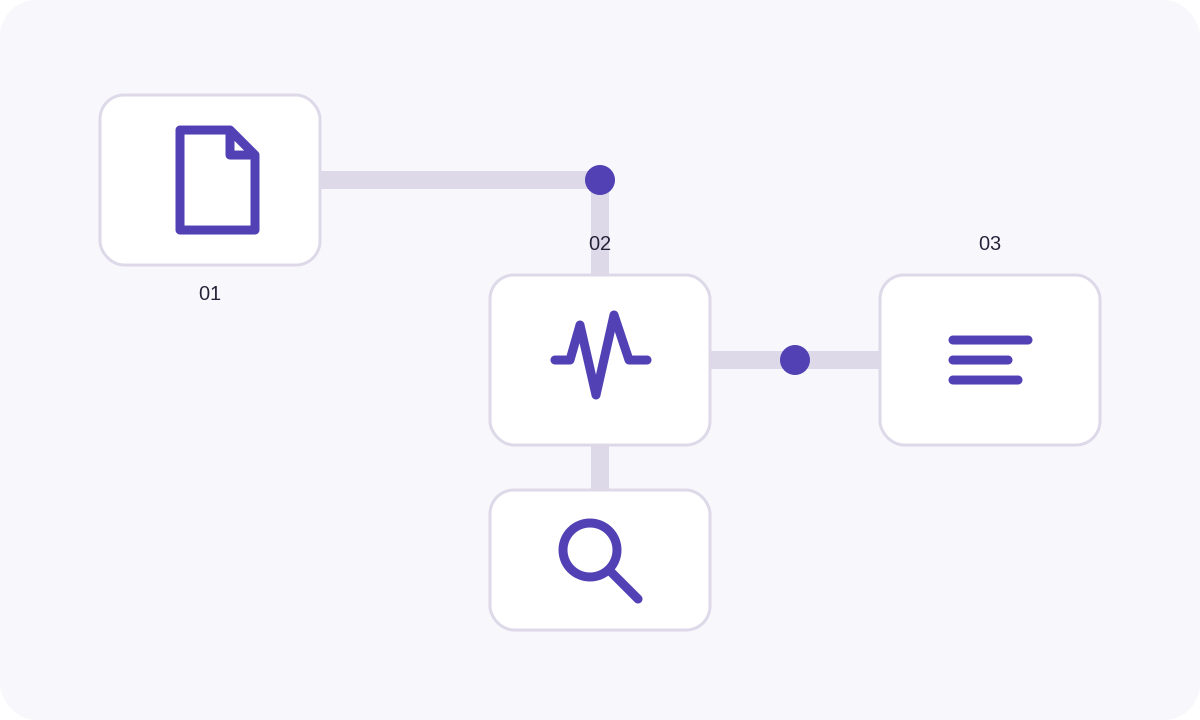
Audio or Video Won’t Transcribe? Diagnose the Problem
Work from the symptom: file errors, model loading, wrong words, slow processing or unexpected exports. Try safe checks without risking your original recording.
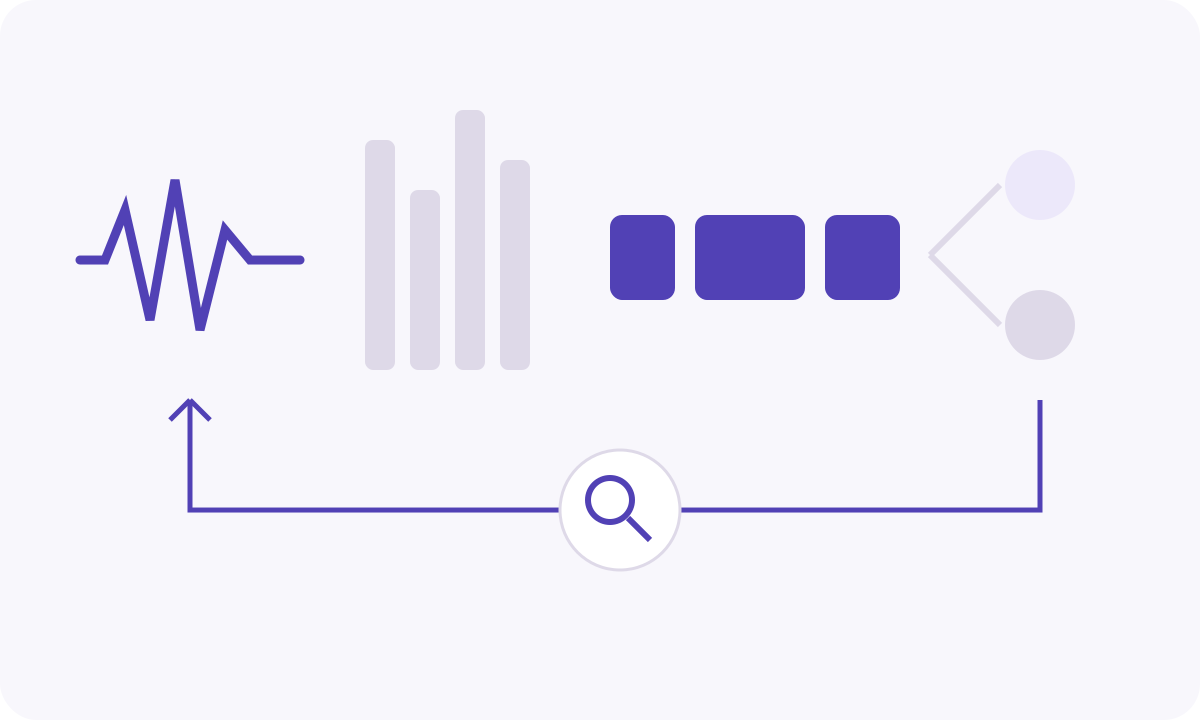
How Speech Recognition Works—and Why Fluent Text Can Be Wrong
Follow a recording through audio preparation, model prediction and human review. Understand language detection, timestamps and the limits of automatic transcription.

From a Lecture Recording to Study Notes You Can Check
Turn a reviewed lecture transcript into your own explanations, questions and source references. A practical manual workflow, without treating recognition as understanding.

Review Meeting and Interview Transcripts Without Changing the Meaning
Check decisions, quotations, names and commitments against the recording. Use a manual review log that separates what was said from what you inferred.
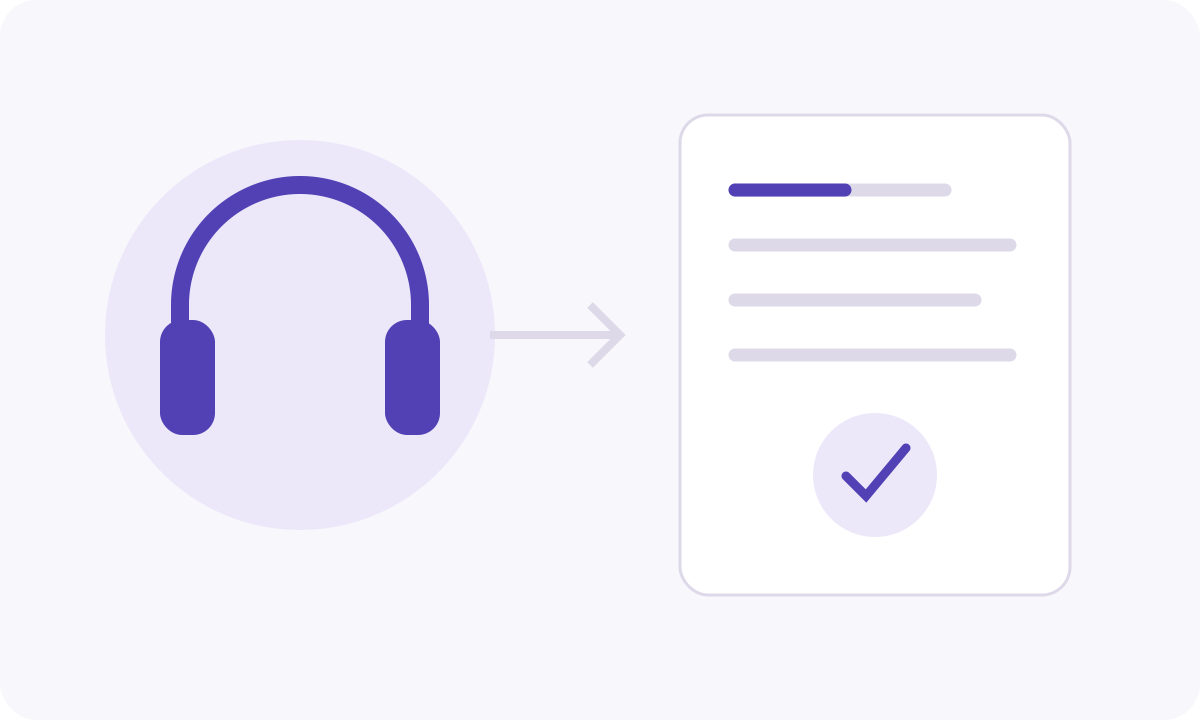
Publish a Podcast Transcript That Matches the Episode
Choose the right audio version, verify voices and quotations, prepare a readable transcript and check the final page. A manual publishing workflow for podcasters.
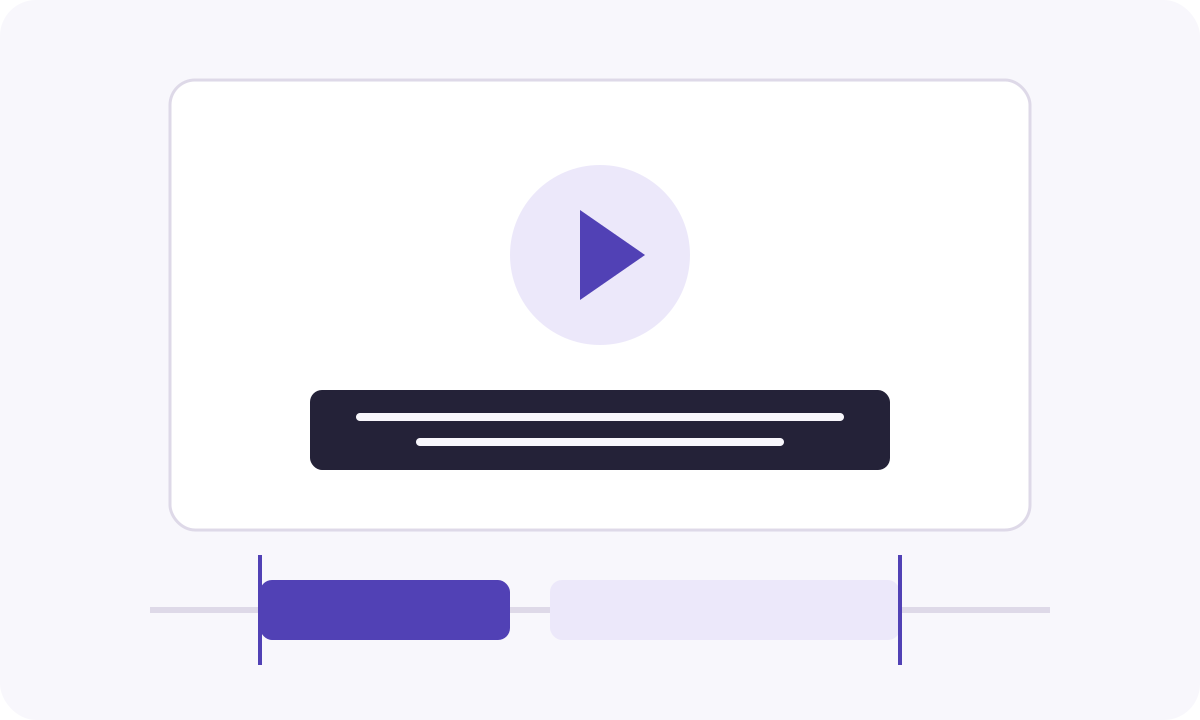
From Automatic Subtitles to Captions People Can Follow
Review words, cue timing, reading effort and meaningful sounds. Understand what an automatic subtitle export provides and what still needs human editing.
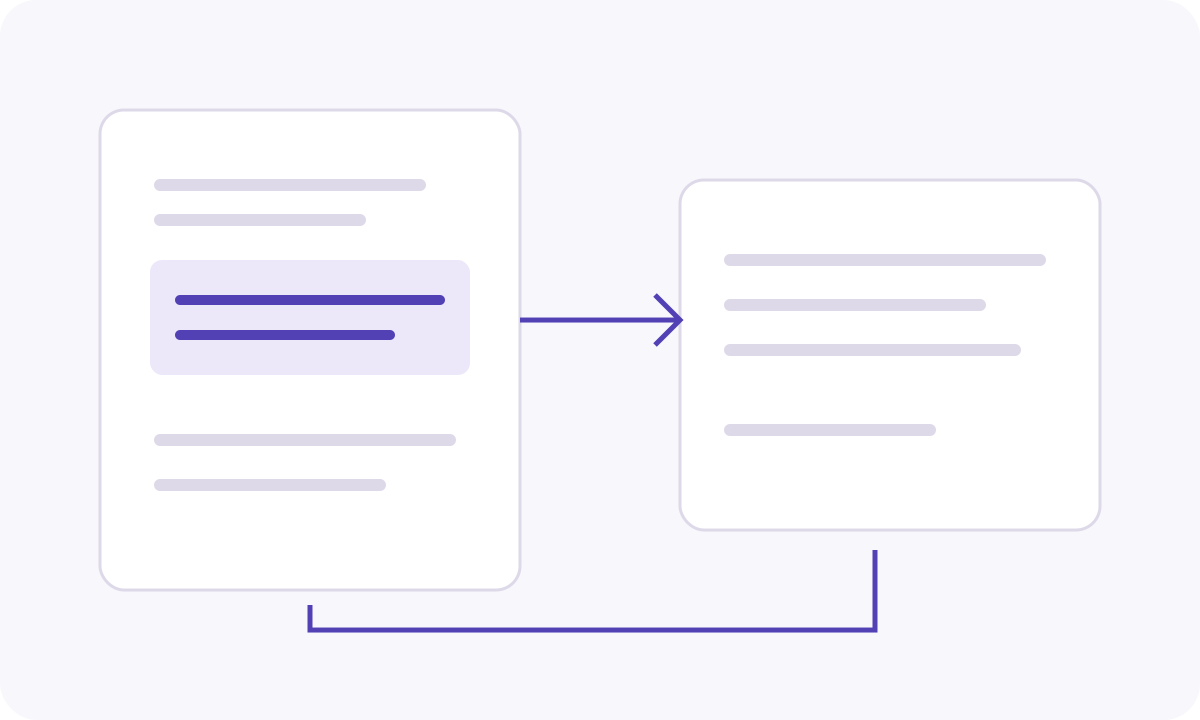
Repurpose a Transcript Without Inventing a Quote
Turn checked speech into an article, summary or excerpt manually while preserving context, attribution and uncertainty. Distinguish quotation from interpretation.
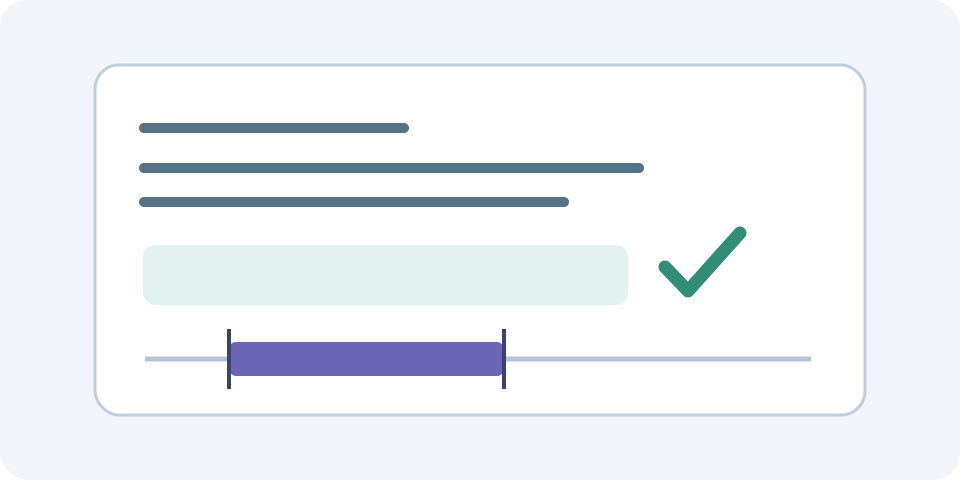
Edit an SRT File Without Losing Its Timing
Review subtitle words and cue boundaries in an external editor, preserve a safe original and test the saved SRT against the exact recording.
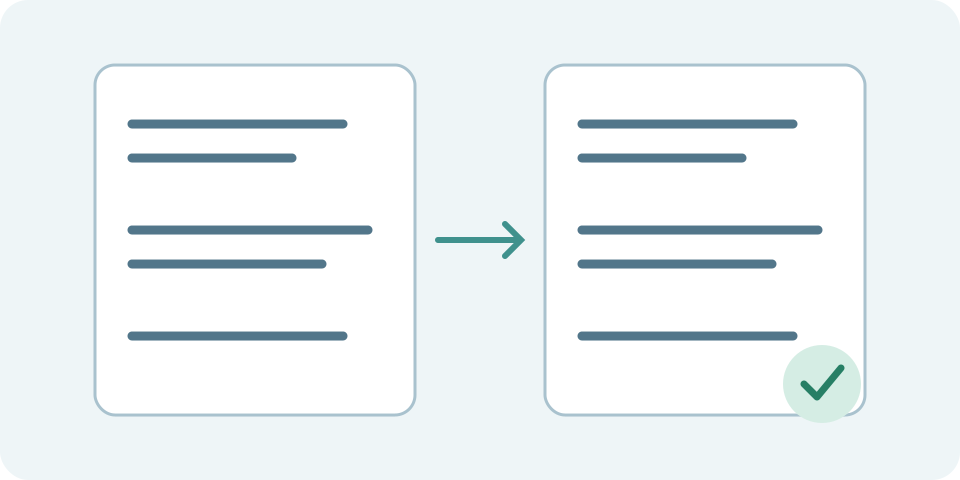
Review Translated Subtitles Before Sharing
Check translated subtitle meaning, names, negatives and reading time against the source. Keep reviewed translation separate from the original transcript.
Play SRT Subtitles in VLC: Step-by-Step Guide
Load an external SRT subtitle file in VLC, check synchronization and characters, and fix missing or misaligned subtitles without changing your video.
Transcription vs Translation: What’s the Difference?
Understand when to transcribe speech, when to translate text or subtitles, and how each workflow handles language, timing, editing and review.
Speaker Labels in Transcription: How to Identify Speakers Manually
A practical method for labeling speakers in a multi-person transcript, including formatting, overlap, pseudonyms and the limits of automatic diarization.
Transcription Timestamps and Timecodes: A Practical Guide
Understand subtitle timestamps, SRT and VTT time formats, why automatic times drift, and how to check cue boundaries before publishing captions.
Common Transcription Errors and How to Correct Them
Recognise the predictable mistakes in automatic transcripts — names, numbers, negation, homophones and invented text — and correct them without changing meaning.
Translate SRT and VTT Files Without Breaking the Timing
Translate subtitle cue text while keeping the original timestamps, then check expansion, cue structure and playback before publishing.
Transcribing Multilingual Recordings: Language Switching and Review
Choose one recognition language, split genuinely bilingual sections, review quoted foreign phrases and translate only after transcription.
Transcript Quality Assurance: A Client-Ready Review Workflow
Define acceptance criteria, sample the risky passages, grade errors and deliver a versioned transcript with a clear review log.
Subtitles Out of Sync: Diagnose Offset, Drift and Player Problems
Find out whether subtitles are early, late, drifting or using the wrong file, then choose between a safe offset, a retime or a fresh export.
Transcribe a recording
Open the browser workspace to transcribe audio or video, review the text and export TXT, SRT, VTT or JSON.