Transcribana
French transcription
Turn spoken French into French text. Review accents, agreements and punctuation with local French checking.
Start transcribingStart transcribing
Best supported on current desktop Chrome. Codec support, speed and memory vary by browser and device. Mobile transcription is not guaranteed.
Drop an audio or video file here
Interviews, meetings, lectures, and everything worth keeping.
Audio and video files are processed locally in your browser.
Supported file formats
MP3, WAV, M4A, AAC, FLAC, OGG, OPUS, MP4, MOV, WebM, MKV, M4V and 3GP with supported audio codecs. Files are checked locally. AVI, WMA and MPEG/MPG program streams are not supported. Codec support varies by browser.
Transcription runs locally in your browser. Your audio and video are not uploaded to our servers.
Auto Detect uses the opening audio to choose one spoken language. Accuracy varies by language and recording. Amharic transcription is currently unavailable because it can produce incorrect text. Review every transcript against the recording.
Advanced settings
Models download on first use. A loaded model is reused; change model or processing mode to release it.
Choose a recording to get started.
Progress will appear here.Your words, ready to use.
Document edits apply to copied text and TXT. Subtitles and JSON preserve the original timed transcription.
Processing details
Timestamps are model estimates. Total RAM and GPU memory are not available to this page; use your browser’s task manager.
Arabic uses a dedicated model with about 1.33 GB of weights and CPU/WASM processing. The first run may take several minutes. General model and GPU choices do not change the Arabic model.
Before you start
Select French when the recording language is known. Auto Detect can also identify French from the opening audio. The transcription task preserves French; it does not turn the recording into English.
A workflow that fits your file
Grammalecte provides local French spelling, grammar and typography suggestions after transcription. Spoken contractions and incomplete sentences may be intentional: accept only changes that fit the source.
Review and use the result
Review proper names, regional speech and specialized vocabulary carefully. Export the working text as TXT, or keep the original timestamped segments through SRT, VTT and JSON.
French recognition and French writing review are different steps
Select French to keep the recording in its original language. Changing the site to French changes labels, not the recognition language. The general multilingual model handles the speech; local Grammalecte suggestions review the resulting text when requested.
Check homophones, names and numbers by listening. Adding the missing “ne” to “je sais pas” may make prose more formal but alter a quotation. Read the French review guide before applying suggestions, particularly for research interviews. Corrections affect readable text, not the original timed segments.
How it works
Upload
Choose an audio or video recording from your device.
Transcribe
Select the spoken language and let the required model load.
Edit
Review the words against your recording and edit the readable text.
Export
Copy text or download TXT. SRT, VTT and JSON preserve the original timed result.
Your recording never needs to leave your device.
Speech recognition and text checking run locally. The website and model files still need network access. Hosting and model providers can receive ordinary connection information; they do not receive your recording through this tool.
Understand local processingQuestions, answered
Does my recording get uploaded?
No. The browser reads and transcribes it locally. Website assets and model downloads use the network separately.
Can I use it offline?
A model already loaded in an open page can be reused offline. Reloading, switching models or clearing storage may require network access.
Will text corrections change my subtitles?
No. Copy Text and TXT use the selected document version. SRT, VTT and JSON keep the original timed transcription.
Related tools
Audio Transcription to Text
Transcribe audio recordings to text on your own device. Review the transcript and export TXT, SRT, VTT or JSON without uploading your audio.
Generate Subtitles from Audio or Video (SRT & VTT)
Create original-language SRT or WebVTT subtitles from a recording. Review model-estimated timing and export locally without uploading your media.
Useful guides
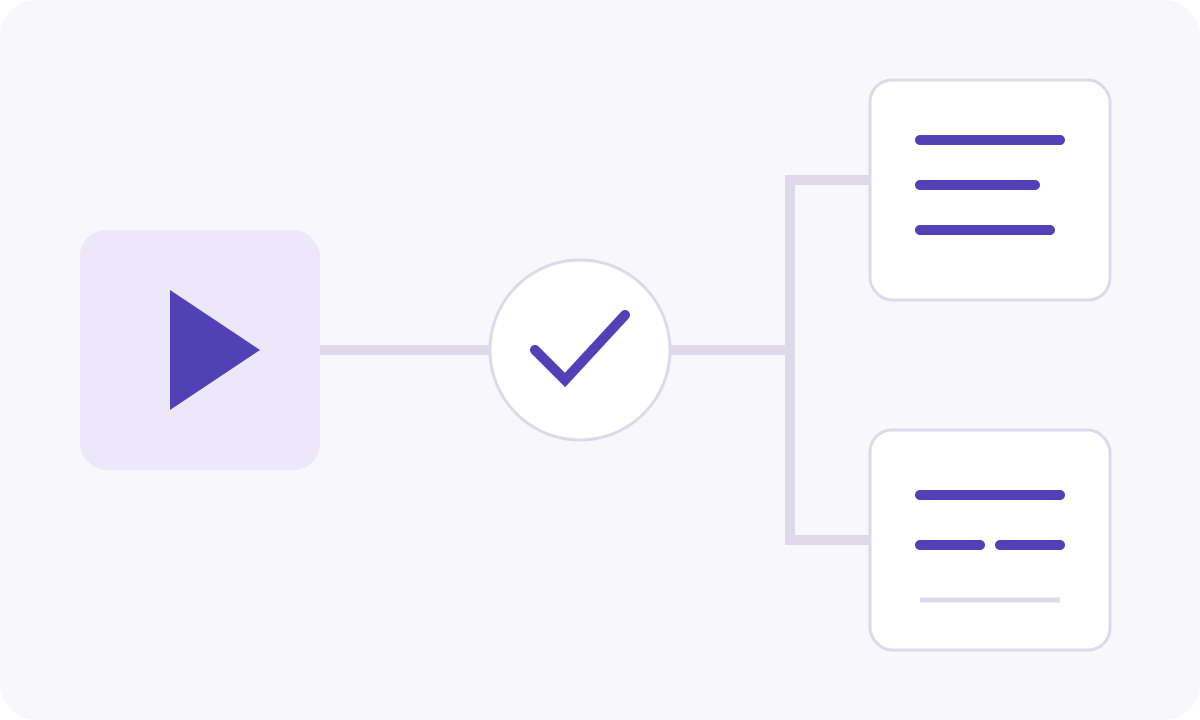
Audio and Video to Text: A Complete First-Recording Workflow
Take a local recording from file selection to a checked transcript. Choose the language, review important words and save the right text or subtitle export.
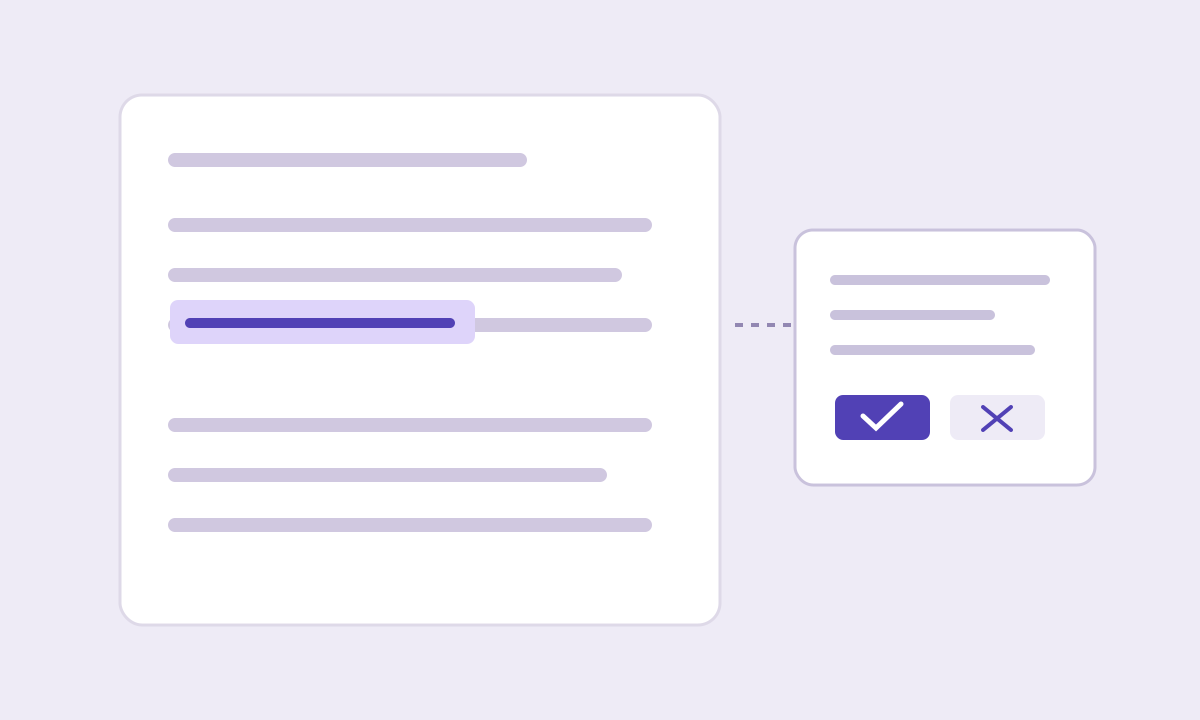
Review a French Transcript Without Changing Its Meaning
Check French names, numbers and negation against the recording. Separate recognition errors from stylistic edits and review suggestions deliberately.
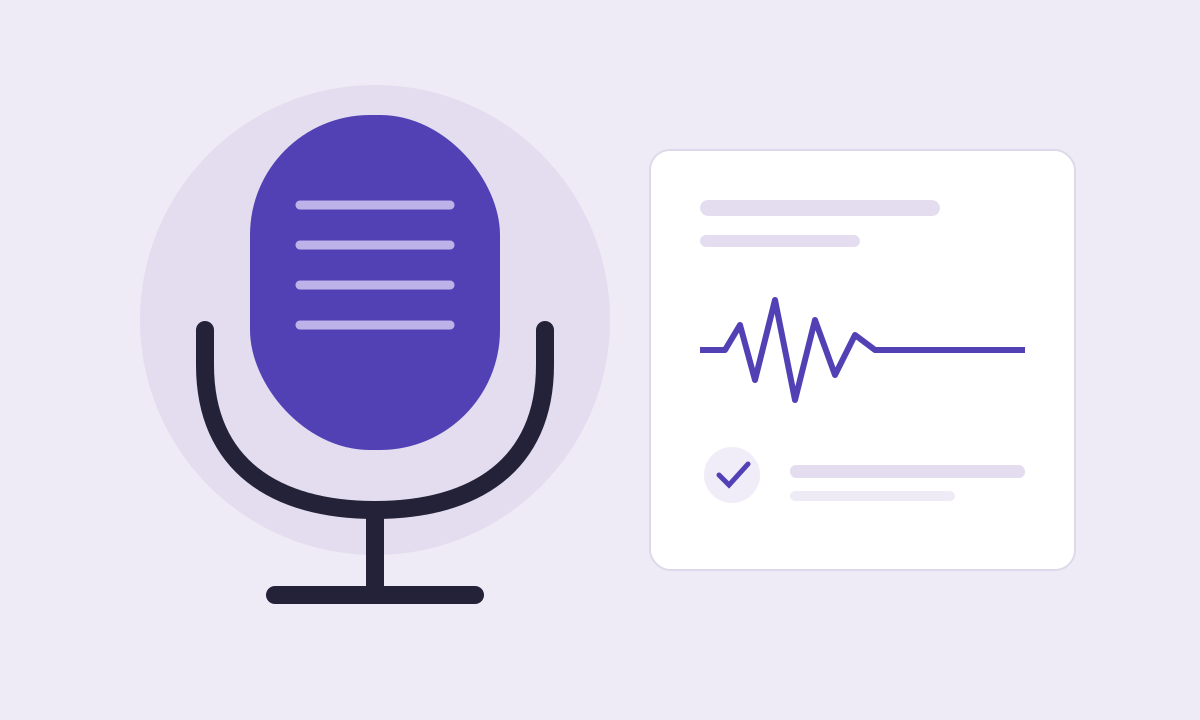
Record Clearer Audio for Transcription
Prepare an interview or lecture recording with a listening test, a practical preflight checklist and a plan for checking uncertain words.