A subtitle file can be technically valid and still be difficult to follow. The words may arrive too early, disappear before they can be read or omit a sound that explains a reaction. Treat automatic output as a starting point. This guide covers manual review, not a new caption editor, automatic translation or an accessibility certification.
Decide which kind of text you need
A transcript is a reading document; timed text is displayed with the media. Usage of “captions” and “subtitles” varies, so state the intended audience and content rather than relying on a label. The W3C caption guidance includes relevant sounds and speaker information as well as speech. A speech-only draft may need additional work to serve that purpose.
Translated subtitles are a different editorial task. Transcribana’s transcription workflow keeps the spoken language; exporting VTT instead of SRT does not translate anything. If a destination requests a particular language, format or caption convention, check those requirements before editing. Do not infer that the file extension describes its completeness.
Verify the words before adjusting the pace
Replay names, quantities, negatives and uncertain passages. A smooth sentence may be wrong. Do not shorten a cue by dropping a qualification such as “not yet” or a unit that defines a number. Keep an unresolved passage in your working notes until you can check it rather than replacing it with a plausible guess.
Document corrections and subtitle segments are separate in this app. Copy Text and TXT follow the selected document version; SRT, VTT and JSON retain canonical recognition segments. If the readable text is corrected, transfer the verified changes into a suitable external caption editor for a corrected timed deliverable. Editing the document does not automatically split or retime cues.
Use a viewing worksheet
These invented cases illustrate checks, not measured model behavior. Record the actual cue and source location in your own review. A problem can involve text, time, display or more than one of them.
On a narrow screen, scroll the table sideways to read every column.
| What the viewer encounters | What to verify | Manual next step |
|---|---|---|
| A full sentence flashes briefly. | Does its interval match the speech, and can it be read? | Review timing and segmentation in a caption editor without losing meaning. |
| A negative appears in the next cue. | Does the first cue temporarily suggest the opposite? | Review phrase grouping and boundaries with the audio. |
| A reaction follows an off-screen sound. | Is the sound necessary to understand the scene? | Add a concise description only after confirming what is audible. |
| Arabic with a Latin name looks reordered. | Is the stored text wrong or only its rendering? | Test the actual destination player before inserting direction controls. |
Check reading effort in the actual player
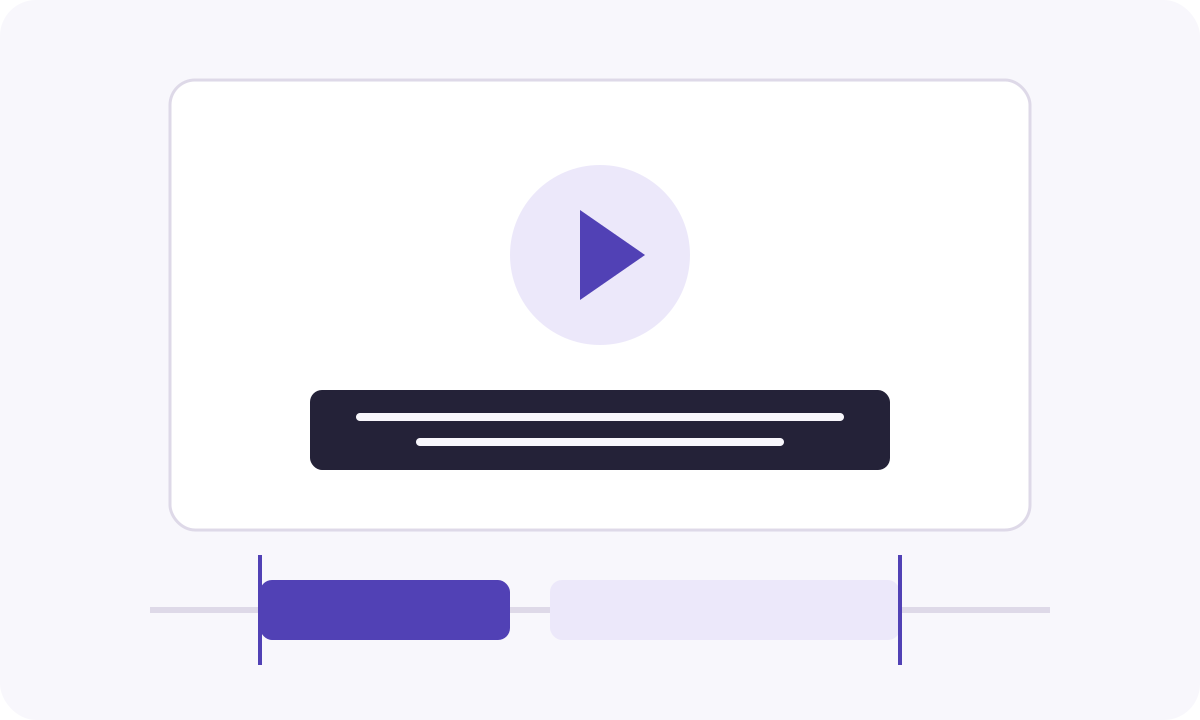
Watch the entire passage with captions enabled, not only a still image. Look for abrupt changes, awkward phrase breaks and text competing with important visuals. Where you break a phrase matters: keeping a name or a number with its unit can help preserve meaning. Do not apply a universal character count without considering language, audience and destination guidance.
Inspect a narrow screen as well as a desktop. A line arrangement that looks spacious in an editor may wrap differently in a player. Test punctuation, numerals and mixed Arabic/Latin text directly. Font, position and styling support can vary by destination; this application’s plain exports do not guarantee identical presentation everywhere.
Review timing separately from syntax
Estimated model times need listening review. Check that starts and ends correspond to the intended speech, that cue order is coherent and that gaps do not hide content. Do not invent exact times for missing or invalid values. The app excludes invalidly timed segments from SRT/VTT while retaining them in the document and JSON; inspect any warning before assuming the export contains everything.
For punctuation and header syntax, use SRT versus WebVTT. That guide answers format questions; this one addresses the viewing experience. A file that imports without error still needs playback review. Changing the format does not repair a recognition or alignment error.
Handoff a checked version
Keep the original media, original export and reviewed caption file distinctly named in your own records. Reopen the edited file in the destination and watch representative difficult passages, then review the complete result as required for your release. Check any accessibility or editorial requirements applicable to the project rather than claiming compliance from a checklist alone.
- Identify audience, language and destination.
- Verify words against the recording.
- Carry document corrections into timed text deliberately.
- Review phrase grouping and reading effort.
- Check relevant sounds and speaker information manually.
- Test timing and RTL in the real player.
- Keep original and reviewed files separate.