A polished French sentence is not necessarily a faithful transcript. Start by asking whether the text matches the recording, then decide how much editorial cleanup your purpose allows. A research verbatim, a direct quotation and a readable episode transcript need different decisions. Do not let a grammar suggestion make that decision for you.
Transcribana’s French writing checks operate on text; they do not listen again to confirm what the person said. Use them after checking the passages that carry meaning. This guide gives a practical sequence for reviewing an entretien or entrevue without turning informal speech into a different statement.
Choose the kind of transcript you need
For a verbatim record, retain the wording required by your project, including relevant hesitations or repetition. For a reader-friendly document, you may choose a more edited presentation, but record that choice and do not silently present rewritten prose as an exact quotation. Follow your organization’s transcription conventions where they exist.
Keep the recording, original output and edited text distinguishable. A short local note can state the intended use and the kinds of edits allowed. For example: punctuation may be adjusted for readability, but quoted wording and numbers must be checked by listening. This is a suggested working rule, not a feature that the application enforces.
Check meaning before style
Prioritize names, dates, quantities, negation and specialized terms. A familiar-looking word can be wrong. Check personal names against an appropriate reference when available, without replacing the sound with a guess. Accent marks matter in written French, but a dictionary cannot establish which person or place a speaker intended.
Listen to the surrounding sentence rather than a clipped word alone. If the sound remains uncertain, keep a clear note for follow-up instead of inventing certainty. Do not turn an uncertain amount into a confident figure because one version looks more plausible.
On a narrow screen, scroll the table sideways to read every column.
| Illustrative wording | What is at stake | Review decision |
|---|---|---|
| Je sais pas. → Je ne sais pas. | Adding ne changes the spoken form into a more formal written form. | Decide whether this is a verbatim or an edited document; do not call the addition a recognition correction without listening. |
| quinze / cinquante | The quantity changes. | Replay the passage and context; neither grammar nor plausibility settles it. |
| Maya / Maïa | A name may have more than one possible spelling. | Confirm the intended spelling when possible; preserve uncertainty otherwise. |
| A repeated word | It may be a real hesitation or an unwanted duplication. | Check the recording before removing it from a faithful record. |
These are original illustrative decisions, not captured model errors or promises that the checker detects these exact cases. The OQLF guidance on negation distinguishes the omission of ne in speech from written usage. A writing convention does not, by itself, authorize changing a quotation.
Use suggestions one at a time where meaning matters
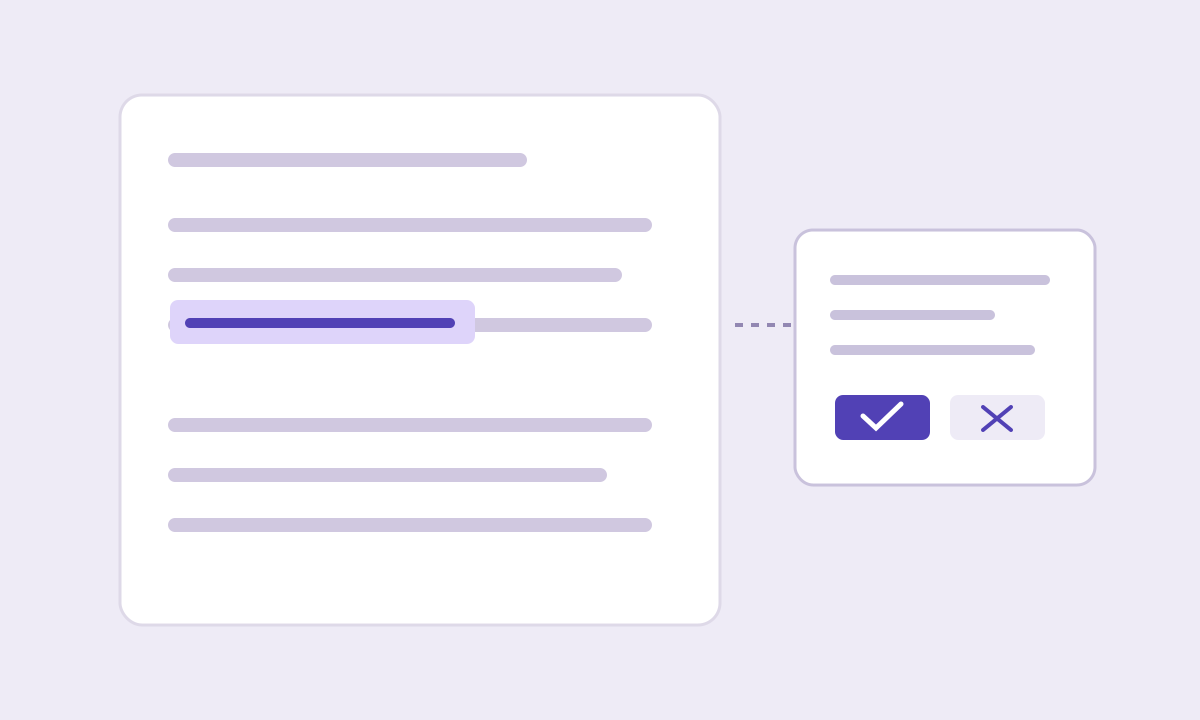
After transcription, open the readable text and run Check & Improve. Review the highlighted passage, proposed replacement, category and explanation. Accept a suggestion only when it fits both your source and your editing purpose. Ignore one that would alter the intended wording. Previous and Next help you review the detected issues, but the absence of a highlight is not proof that a sentence is correct.
The French checks use the local Grammalecte integration together with local cleanup rules. Safe bulk acceptance is limited to suggestions the application treats as safe; it is not a substitute for listening or an approval of every linguistic choice. Review important quotations individually, even when a proposed change seems small.
A review log that keeps decisions accountable
Try this hypothetical workflow for a short interview: first mark uncertain names and figures in separate working notes; then listen and record the evidence for each decision; finally review writing suggestions. A useful note says which passage you checked, whether the wording is confirmed and why you changed it. It should not claim the speaker approved an edit unless that actually happened.
After manual editing, check the current text again when needed. Do not treat an earlier analysis as a review of new words you have since entered. Preserve an external copy of an important edited version before using Reset to Original: resetting restores the original document rather than maintaining an archive of every draft.
Export the version you mean to share
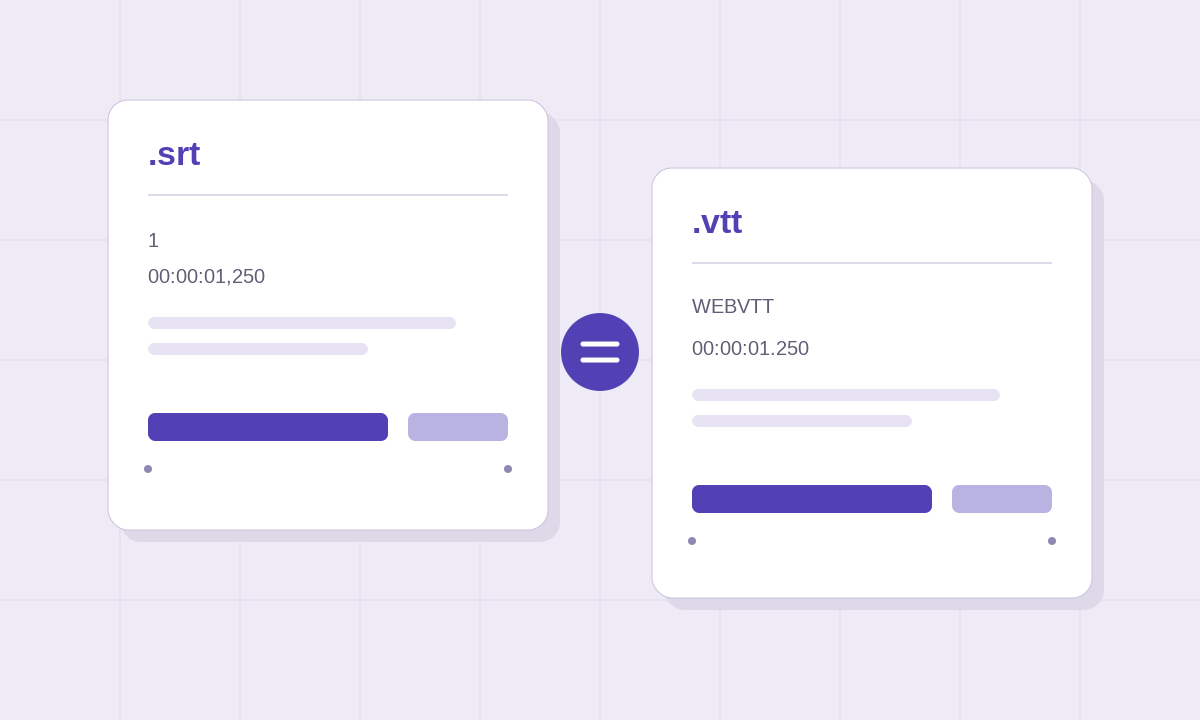
Copy Text and TXT follow the selected original or working document version. Check that selection before sharing. SRT, VTT and JSON retain the canonical timed segments, so accepting a French spelling correction in the document does not update those exports. Correct subtitles separately in an appropriate editor if they are your intended deliverable.
The SRT/WebVTT guide demonstrates this distinction. For recording preparation, see the listening-test checklist. Neither a fluent transcript nor a clean export replaces verification of consequential statements.
Final review checklist
- State whether the document is verbatim or edited.
- Check names, quantities, dates and negation against the sound.
- Keep uncertain passages explicit in your working notes.
- Distinguish recognition corrections from stylistic rewriting.
- Review suggestions rather than assuming they preserve meaning.
- Verify the selected document version before Copy/TXT.
- Review timed exports separately when delivering subtitles.