Transcribana
MP4 to text
Turn the spoken audio in an MP4 video into a transcript and original timed segments.
Start transcribingStart transcribing
Best supported on current desktop Chrome. Codec support, speed and memory vary by browser and device. Mobile transcription is not guaranteed.
Drop an audio or video file here
Interviews, meetings, lectures, and everything worth keeping.
Audio and video files are processed locally in your browser.
Supported file formats
MP3, WAV, M4A, AAC, FLAC, OGG, OPUS, MP4, MOV, WebM, MKV, M4V and 3GP with supported audio codecs. Files are checked locally. AVI, WMA and MPEG/MPG program streams are not supported. Codec support varies by browser.
Transcription runs locally in your browser. Your audio and video are not uploaded to our servers.
Auto Detect uses the opening audio to choose one spoken language. Accuracy varies by language and recording. Amharic transcription is currently unavailable because it can produce incorrect text. Review every transcript against the recording.
Advanced settings
Models download on first use. A loaded model is reused; change model or processing mode to release it.
Choose a recording to get started.
Progress will appear here.Your words, ready to use.
Document edits apply to copied text and TXT. Subtitles and JSON preserve the original timed transcription.
Processing details
Timestamps are model estimates. Total RAM and GPU memory are not available to this page; use your browser’s task manager.
Arabic uses a dedicated model with about 1.33 GB of weights and CPU/WASM processing. The first run may take several minutes. General model and GPU choices do not change the Arabic model.
Before you start
MP4 is a container, not an audio codec. MP4 with AAC audio has been tested in desktop Chrome. The file is checked before transcription; other audio codecs may not decode on your device.
A workflow that fits your file
You do not need to upload or convert the video on a server. The browser extracts its primary audio track in bounded windows. Very large files can still put pressure on memory, so test a representative recording first.
Review and use the result
For a written record, review and export TXT. For video captions, export SRT or VTT and check the times in the destination player. Readable-text edits do not replace the original text in subtitle exports.
Why an MP4 can open but still have no transcript
MP4 identifies a container, not proof of an audible, supported speech track. The file may contain only pictures, an unsupported audio codec or several tracks when you wanted a different one. Listen to the source and check the selected file before retrying. Renaming another format to .mp4 does not convert it.
Transcribana reads the primary supported audio path locally. It does not OCR presentation slides or download a remote video link. For an edited interview, verify quotations against the recording. Use SRT export when your video editor needs timed cues instead of a plain transcript.
How it works
Upload
Choose an audio or video recording from your device.
Transcribe
Select the spoken language and let the required model load.
Edit
Review the words against your recording and edit the readable text.
Export
Copy text or download TXT. SRT, VTT and JSON preserve the original timed result.
Your recording never needs to leave your device.
Speech recognition and text checking run locally. The website and model files still need network access. Hosting and model providers can receive ordinary connection information; they do not receive your recording through this tool.
Understand local processingQuestions, answered
Does my recording get uploaded?
No. The browser reads and transcribes it locally. Website assets and model downloads use the network separately.
Can I use it offline?
A model already loaded in an open page can be reused offline. Reloading, switching models or clearing storage may require network access.
Will text corrections change my subtitles?
No. Copy Text and TXT use the selected document version. SRT, VTT and JSON keep the original timed transcription.
Related tools
Useful guides
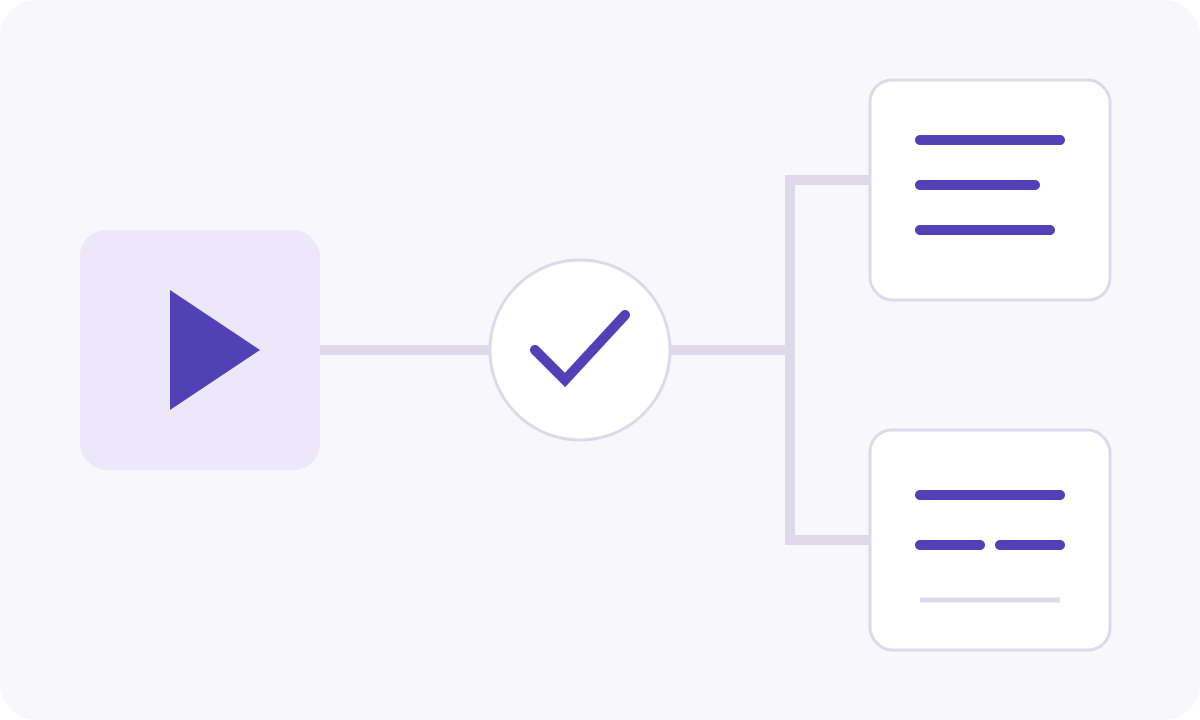
Audio and Video to Text: A Complete First-Recording Workflow
Take a local recording from file selection to a checked transcript. Choose the language, review important words and save the right text or subtitle export.
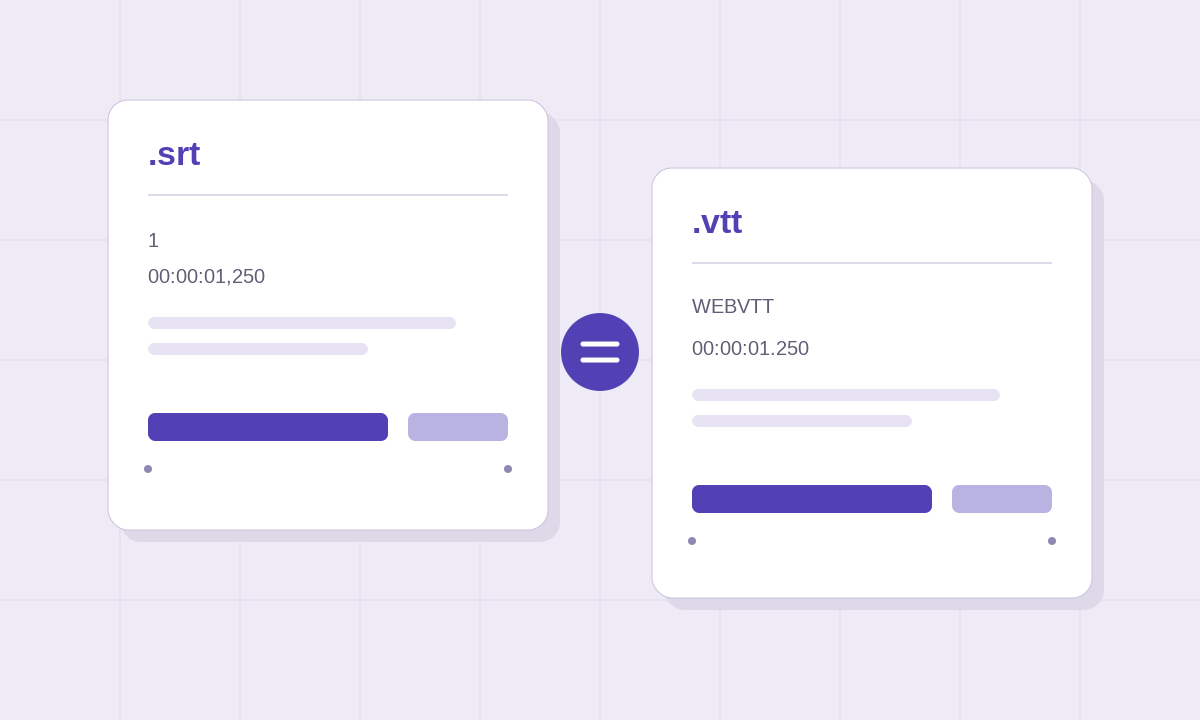
SRT vs VTT: Differences, Examples and Which to Use
Compare SRT and WebVTT with matching examples. Check subtitle syntax, understand Transcribana exports and review common problems before publishing.
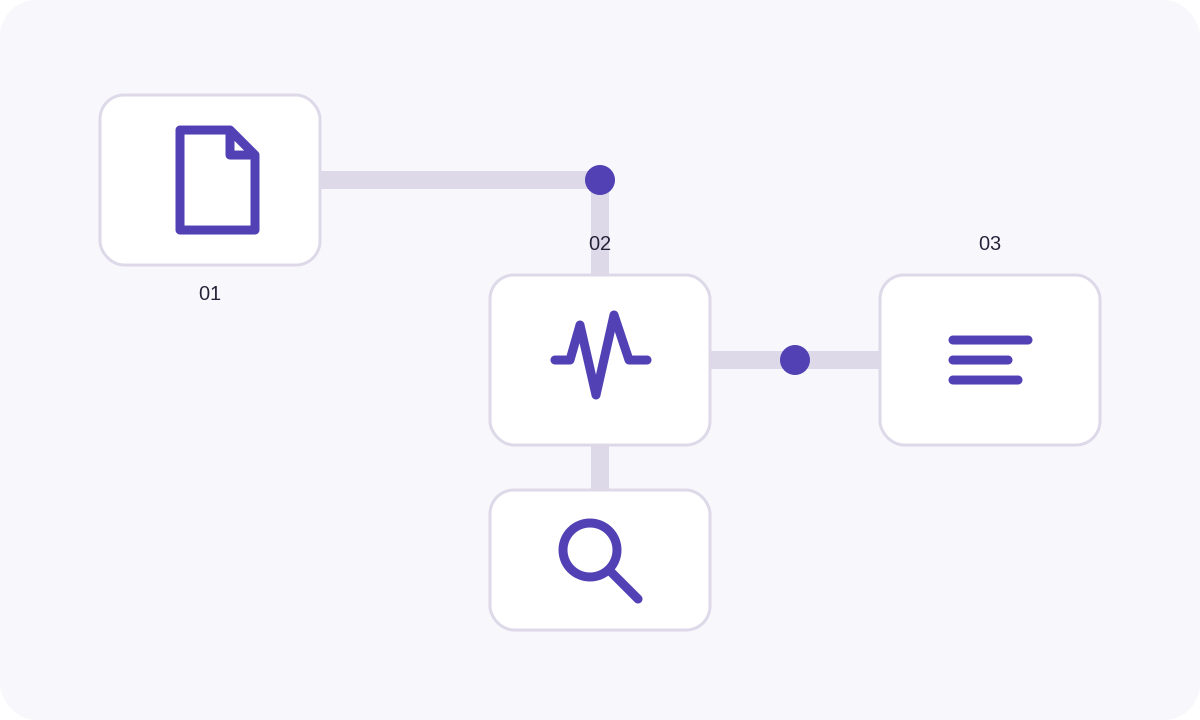
Audio or Video Won’t Transcribe? Diagnose the Problem
Work from the symptom: file errors, model loading, wrong words, slow processing or unexpected exports. Try safe checks without risking your original recording.
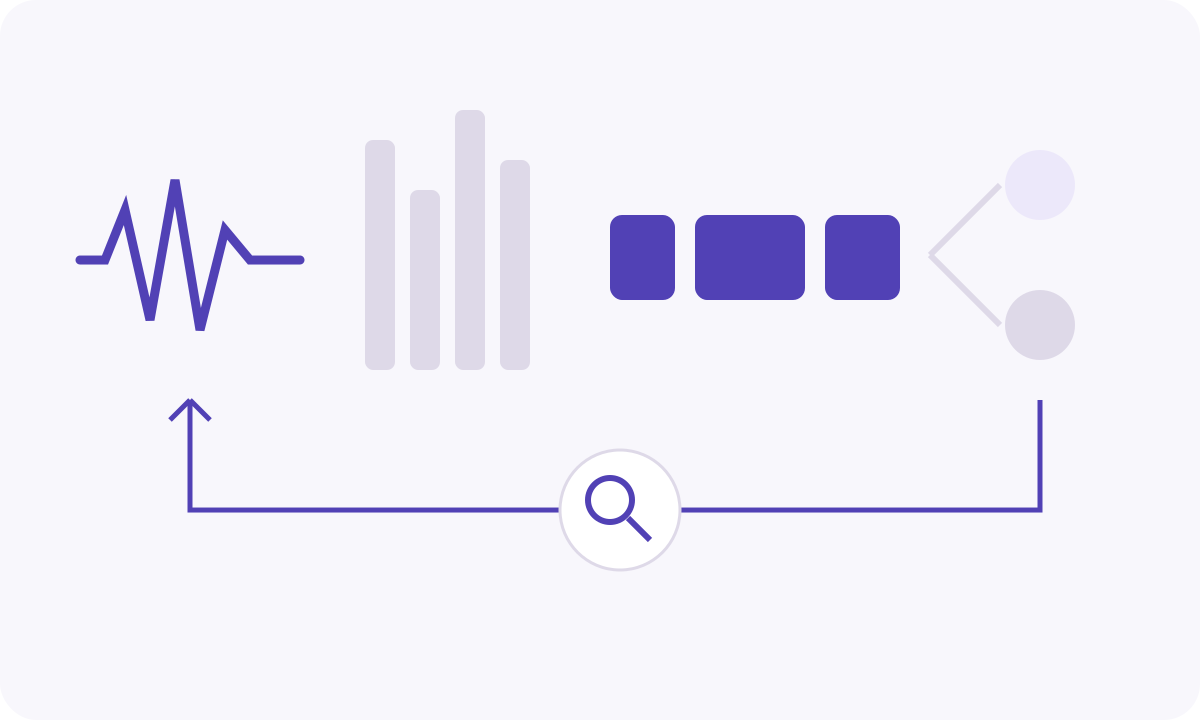
How Speech Recognition Works—and Why Fluent Text Can Be Wrong
Follow a recording through audio preparation, model prediction and human review. Understand language detection, timestamps and the limits of automatic transcription.