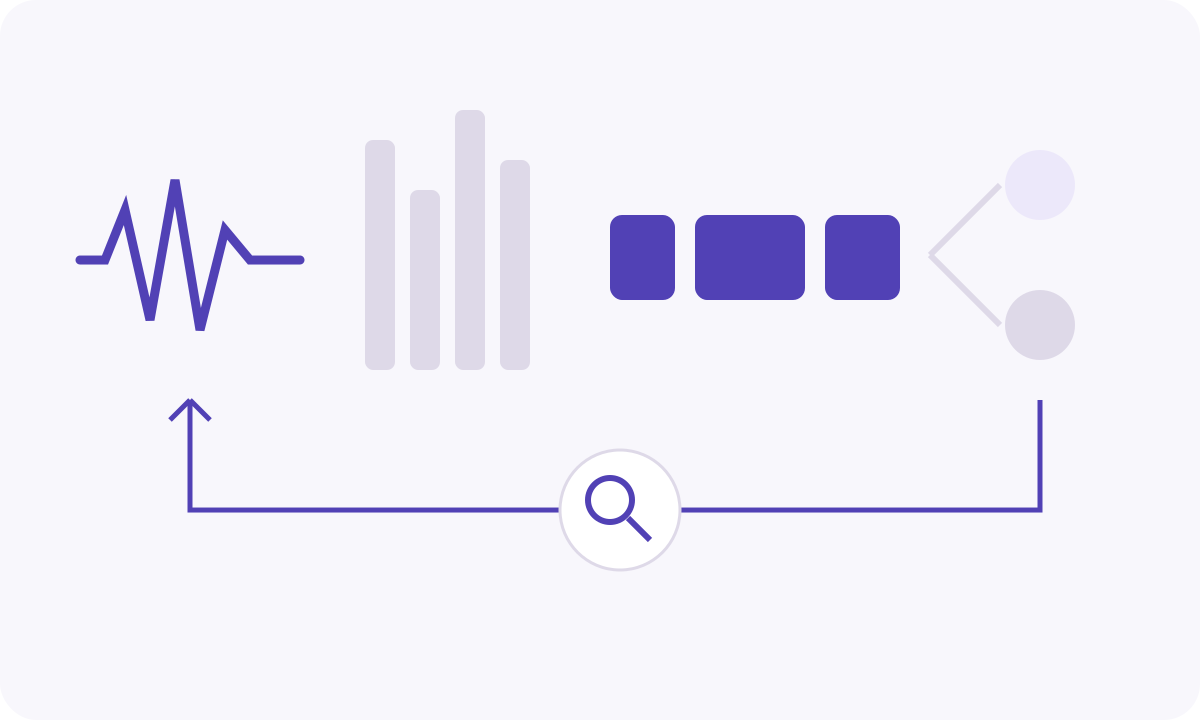
Automatic speech recognition, or ASR, estimates written language from recorded sound. It is not a person checking the speaker’s intention. The distinction explains a common surprise: a transcript can be readable and still contain a wrong name, missing negative or invented continuation. Understanding the stages helps you decide what to verify instead of treating fluency as confidence.
Start with the signal the microphone captured
A recording stores a changing audio signal. Before recognition, software must read its container, decode the audio and prepare samples in the form the model expects. In Transcribana, supported media is read locally and audio is prepared in bounded windows rather than decoding the entire recording into one huge buffer. This reduces one source of memory pressure; it does not make arbitrarily long files free of resource limits.
Preparation cannot recover evidence that the microphone did not capture clearly. Two overlapping voices, distortion or a distant speaker can obscure distinctions between words. Making a file larger or changing its extension does not restore missing information. For practical recording decisions, use the preparation guide.
From audio features to predicted text
The model works with a numerical representation of sound, not the visual waveform shown in a media player. Whisper uses an encoder-decoder architecture: the encoder processes audio features and the decoder predicts a sequence of tokens. Tokens can represent pieces of text or special instructions; they are not necessarily whole words. This is a conceptual explanation, not a trace of a particular recording.
The Whisper documentation describes language and task controls alongside text prediction. Transcribana requests transcription, preserving the spoken language rather than requesting translation. A model’s broader abilities do not establish that every corresponding feature is available in this website.
On a narrow screen, scroll the table sideways to read every column.
| Stage | What it contributes | What it does not prove |
|---|---|---|
| Audio preparation | Readable samples from the selected file | That the words were audible or captured completely. |
| Language choice | A language condition for recognition | That every passage or embedded foreign term will be correct. |
| Text prediction | A plausible sequence based on sound and learned patterns | The truth of a statement, identity of a speaker or exact spelling of a name. |
| Timing and assembly | Segments associated with positions in the recording | Perfect alignment, speaker labels or publication-ready captions. |
Language detection is a decision, not a translation
An explicit language selection supplies a known condition. Auto Detect estimates the language from audio and uses that choice for the recording; it does not continuously label every change of language. A musical introduction or unclear opening can therefore matter. When you know the language, an explicit selection is a useful diagnostic comparison, not a guarantee of accuracy.
The general recognition path uses multilingual Whisper through Transformers.js and ONNX Runtime Web. Arabic has a dedicated recognition path; this article neither changes nor benchmarks it. Interface localization is separate from recognition language. See the Arabic review guide for language-specific review rather than assuming a single quality level across languages.
Why a plausible sentence may diverge from speech
Illustrative example: “We did not approve fifteen units” becomes “We approved fifty units”. The result is grammatical, but both the negative and quantity changed. No spelling check can establish which version was spoken. Replay the relevant passage with context and keep uncertainty visible when the sound does not settle it.
Learned patterns help produce coherent text, but coherence can hide errors when evidence is weak. Repetition, omissions and unsupported words deserve a listening check, especially around silence or difficult speech. Do not infer that a word was confidently recognized merely because it appeared without a warning. This article reports no accuracy percentage or confidence calibration.
Local computation still needs software and resources
Browser inference means the recognition computation runs on the device. The Transformers.js documentation describes browser-side model execution; that is different from sending a recording to a hosted transcription endpoint. Software and model assets still need to be delivered or found in available caches. Local processing is not a promise of zero network traffic or permanent offline availability.
Loading and recognition are different costs. Device resources, model size and runtime support affect performance; a speed figure from another machine is not a deadline for yours. Larger models are not automatically better on every recording. Compare models only with the same audio, settings and review criteria. The privacy guide and troubleshooting guide explain the practical boundaries without prescribing engine changes.
Review words and timing as different outputs
Timing connects text to estimated audio positions. A correct word can have an imperfect boundary, while a plausible time can accompany wrong words. Check both. The readable document may be edited separately; SRT, VTT and JSON preserve canonical segments rather than inheriting those edits. A polished TXT therefore does not certify a subtitle export.
Use a reference transcript only when it genuinely represents the recording. Compare missing, substituted and extra words, not just how smooth the output sounds. For Chinese or other writing systems, normalization choices can affect an error score; never erase meaningful errors to make a metric look better. One clear clip is a smoke test, not proof of performance across accents, domains or long recordings.
- Check the sound before blaming the text model.
- Separate preparation, language choice and recognition.
- Treat fluent output as a draft, not evidence.
- Replay names, numbers and negatives.
- Review timing independently of wording.
- Compare like-for-like recordings and settings.
- Keep uncertainty and sample limitations visible.