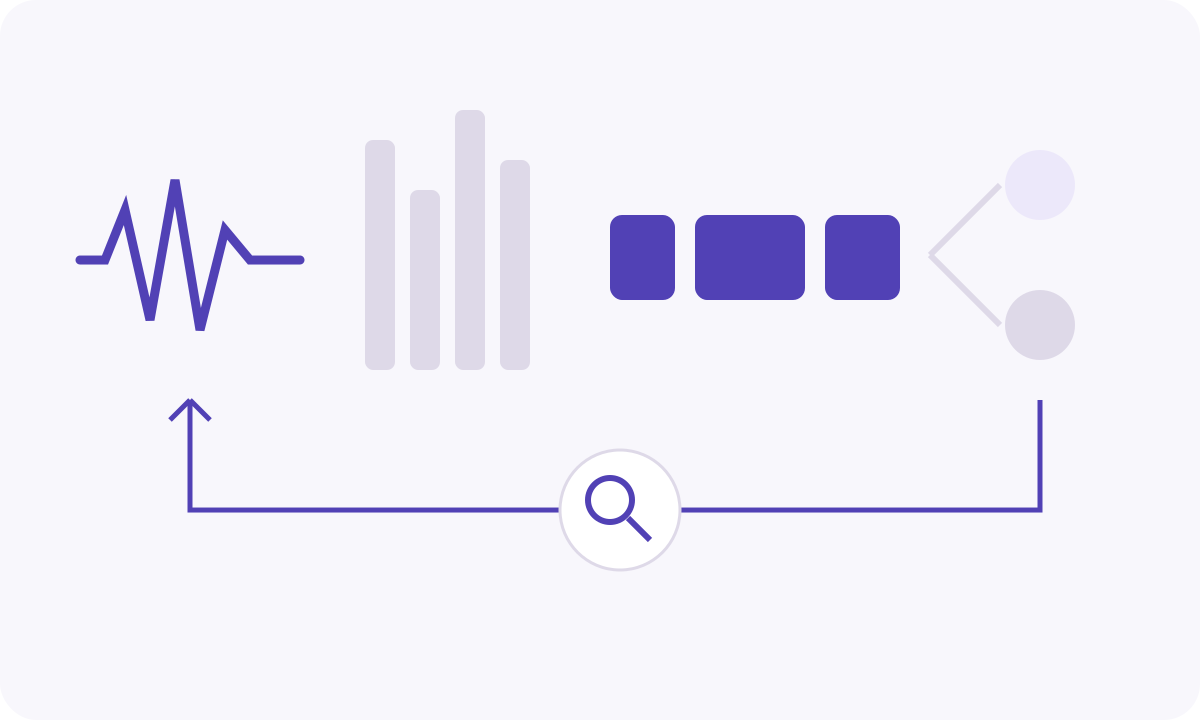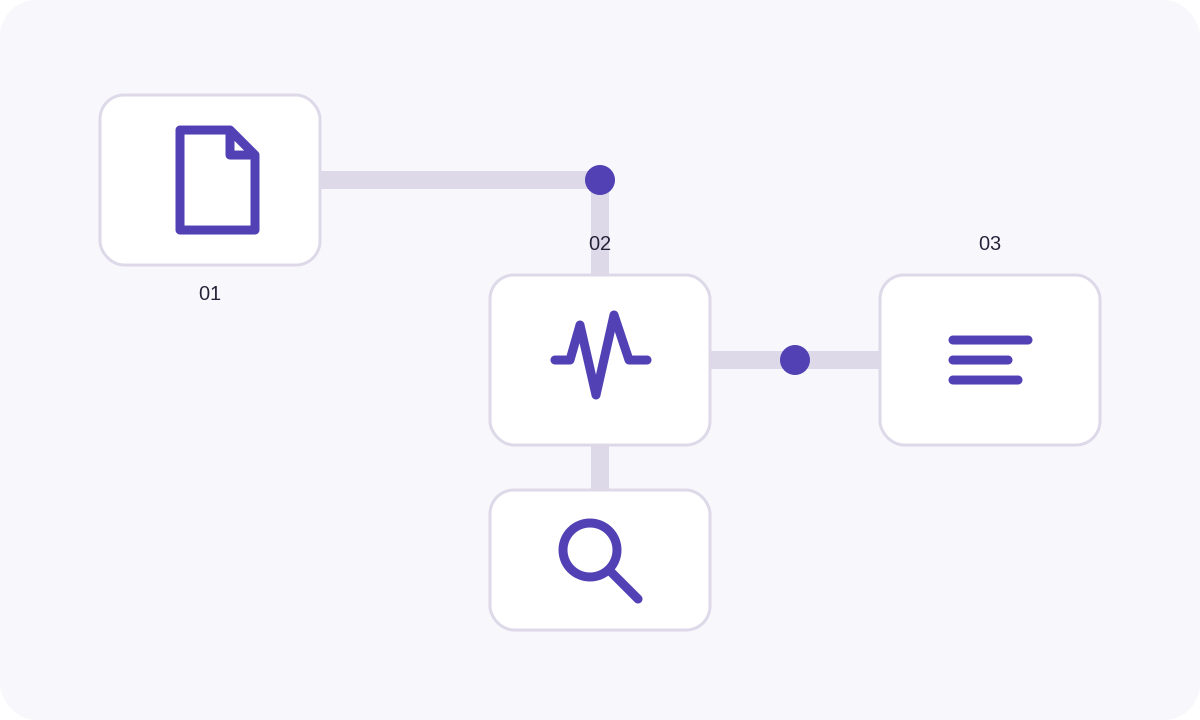
A file that will not open, a model that will not load and an inaccurate transcript are different problems. Start by noting the last completed stage and the exact symptom. A spinning indicator alone does not tell you whether the browser is downloading software, decoding media or recognizing speech. Avoid repeatedly restarting a long recording before you know where it stops.
A transcript definition is simple: the written record of the speech in a recording. When that record is wrong or missing, diagnose the stage that failed rather than guessing at the words.
Keep the original and isolate the failure
Save any transcript you want to keep before reloading or cancelling. Retain the original recording and work on a copy when converting or trimming it. Repeating the same attempt can reproduce the same failure; changing several settings together makes the result harder to interpret. A short representative excerpt can help isolate a problem, but success on that excerpt does not prove that the full recording will finish.
On a narrow screen, scroll the table sideways to read every column.
| What you observe | Possible explanation | A safe next check |
|---|---|---|
| Unsupported or damaged format | The container is unsupported or the file is incomplete. | Try playing the original locally. Obtain a complete copy or convert a copy with trusted local software; renaming the extension is not conversion. |
| No audio track | The video may have no accessible audio track. | Check that the local file actually contains audible speech, not just that a different online version has sound. |
| Unsupported audio codec | The container is readable but this browser cannot decode its audio. | Try current desktop Chrome/Edge or a locally converted WAV/MP3 copy. An MP4 extension alone does not establish compatibility. |
| Model loading fails | A download, cache, network policy or browser resource issue may be involved. | Check connectivity and the displayed error. Retry once; do not disable browser security or clear all site data as a first step. |
| No words or missing passages | Silence, low-level speech, overlap or recognition failure are possibilities. | Listen to that exact passage and test a clear excerpt with the known spoken language selected. |
| Corrected words absent from SRT | Readable text and canonical timed segments are separate. | Review the subtitle export separately; accepted document corrections do not rewrite its segments. |
Understand file and browser limits
The app checks whether it can read the file, find a primary audio track, decode it and determine a finite duration. These checks can fail independently. AVI, WMA and MPEG program streams are not supported by this browser app. Other containers still depend on the audio codec and browser capabilities. A file-picker selection is therefore not proof that decoding will work.
A local media player may support a codec that the browser does not. If conversion is necessary, keep the source and avoid repeatedly compressing the audio. Do not upload confidential recordings to an unfamiliar converter merely to test compatibility. The MP4 guide and recording checklist cover different parts of this workflow.
Separate language errors from difficult audio
If the spoken language is known, select it explicitly for diagnosis. Auto Detect is useful but is not a guarantee, particularly when the opening contains little clear speech. The website’s interface language is not evidence of the language selected for recognition. For mixed-language speech, inspect both languages in the output rather than assuming that selecting one guarantees all embedded phrases.
Listen for background music, competing voices, distance from the microphone and clipped syllables. Recognition cannot reliably reconstruct words that were never captured intelligibly. For a future recording, move closer to the speaker and reduce interference; for an existing one, keep uncertain words marked in your review notes instead of filling them in from expectation.
Review names, punctuation and numbers against sound
Illustrative case: a transcript says “fifty” where a listener expects “fifteen”. Grammar will not settle which was spoken. Replay the sentence with context, check any available source material and retain uncertainty when the sound remains ambiguous. Similarly, a plausible spelling of a person’s name is not verification of identity.
Punctuation is an interpretation of speech, not a recording of punctuation marks. A missing negative or question mark can change meaning even when the sentence looks fluent. Review meaning-sensitive passages before cosmetic cleanup. The French review guide explains the difference between correcting recognition and editing what somebody said.
Slow processing is not necessarily a stalled process
Initial use can include model and runtime downloads; subsequent use depends on available caches. Recognition also consumes local computing resources. A long file, other heavy tabs or a constrained device can increase waiting time, but this guide gives no guaranteed speed or browser memory limit. Observe the stage and progress rather than promising a completion time from file size.
Keep the device awake and reduce unrelated heavy work. Before a retry, save useful output and use the app’s cancellation control if a job is still active. A page reload may discard work. If a short, intelligible excerpt repeatedly fails in the same stage, report that stage instead of repeatedly submitting the whole recording.
Check the export you actually need
Copy and TXT use the selected document version. SRT, VTT and JSON preserve the canonical recognition segments; they are not automatically rewritten by document corrections. Missing or invalid timing cannot safely be repaired by inventing times. Play subtitles with the source media and review gaps, cue order and readability in the destination player. See SRT versus WebVTT before treating a display problem as a recognition failure.
Send a useful, privacy-conscious report
Use Contact with your browser version, operating system, general file format, approximate duration, selected language and failing stage. Remove filenames, private text and identifying details from screenshots or error excerpts. Do not send the recording, transcript or a browser network archive by default. These observations narrow the investigation; they do not establish a cause or guarantee recovery.
- Keep the original recording and save useful output.
- Identify the last completed stage.
- Check the actual local audio, not a different copy.
- Use the known spoken language for diagnosis.
- Change one condition at a time.
- Review uncertain words and subtitle timing manually.
- Share only sanitized diagnostic details.