Transcription and translation answer different questions. Transcription records what was said in the language that was spoken. Translation carries meaning from one language into another. A project can need one, the other, or both in sequence, but treating them as the same task creates inaccurate expectations about wording, timing and review.
Quick answer
Use transcription when you need a readable record of speech: an interview, lecture, meeting, voice memo or video soundtrack. Use translation when you already have text and need it in another language. If you need captions in a different language, translate the timed subtitle file and review the result rather than assuming the timestamps will stay meaningful automatically.
What transcription does
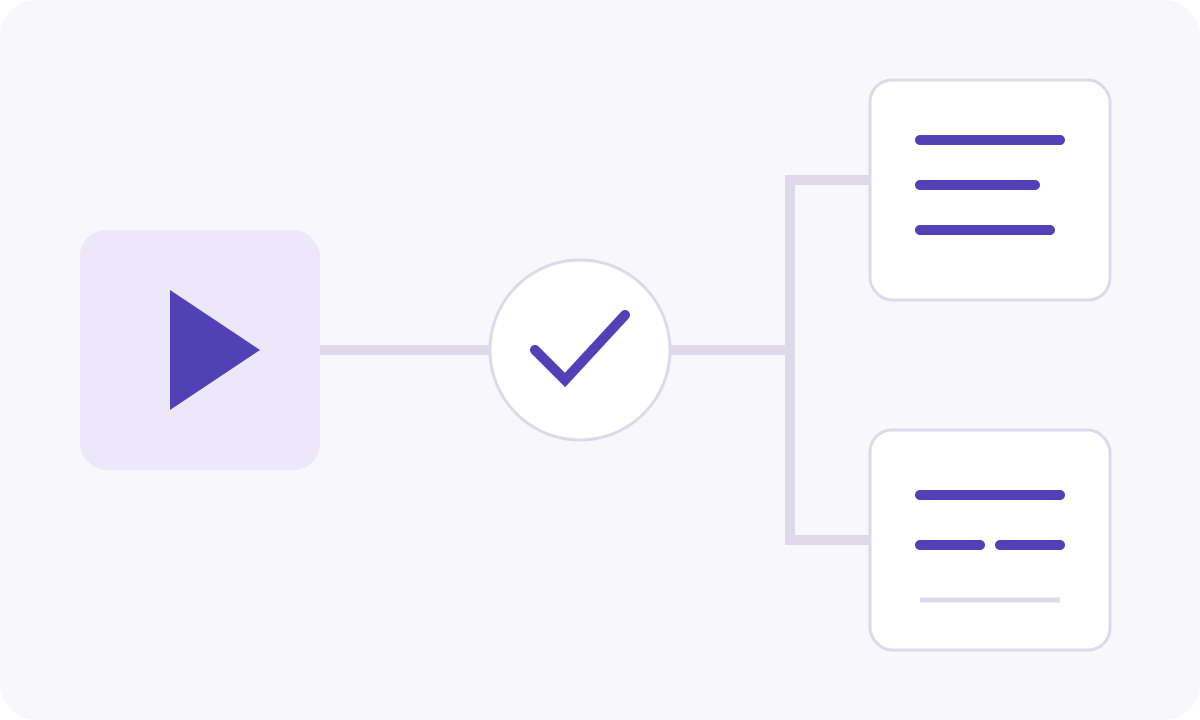
Transcription listens to audio and produces text in the original language. In Transcribana, the browser reads the primary audio track locally, recognizes speech and creates timed segments. The transcript can then be edited as a document. Copy Text and TXT follow the selected document version; SRT, VTT and JSON preserve the original timed segments.
- Spanish speech normally becomes Spanish text.
- Arabic speech stays Arabic rather than becoming an English translation.
- Timestamps are model estimates and need review.
- Speaker names, sound effects and perfect punctuation are not guaranteed.
A transcript can be cleaned for readability, but correction is not translation. Fixing a name, a number or a punctuation mark does not change the language. If the source speech is unclear, correcting grammar cannot recover words that the recognizer did not hear.
What translation does
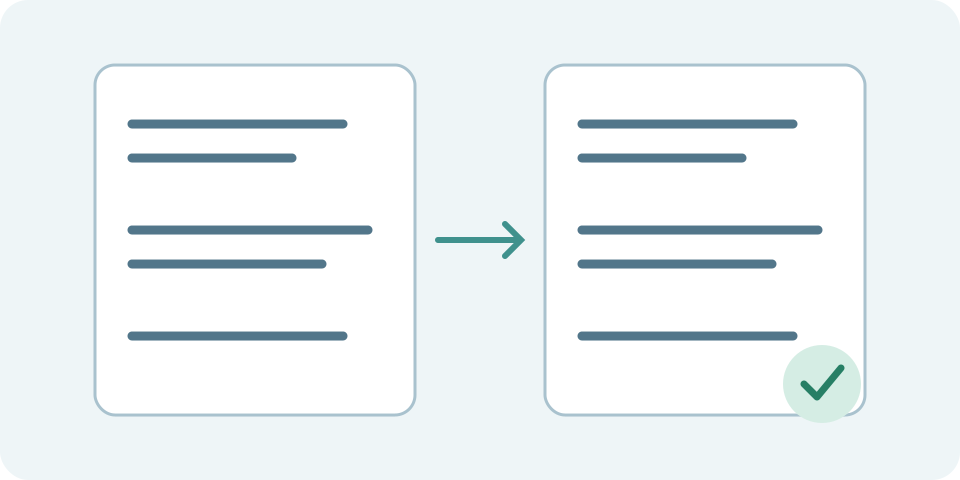
Translation starts with text. It can be a completed transcript, an imported TXT document, or a subtitle file in SRT, VTT or JSON. The output uses the target language while the source file remains unchanged. Translation quality depends on the source clarity, sentence context, names, numbers and the language pair.
For subtitles, translation changes the cue text but should not invent new timing. Transcribana’s subtitle workflow preserves source cue times and reports invalid timing instead of guessing. The translated wording still needs human review for meaning, reading speed and synchronization.
A practical example
Imagine a recorded Spanish interview. A transcription in Spanish records the spoken words. An English translation turns that Spanish text into English. If you translate the subtitle file, the English cues keep the original Spanish timing, but a longer English phrase may need editing to remain readable on screen.
On a narrow screen, scroll the table sideways to read every column.
| Task | Input | Output | What to review |
|---|---|---|---|
| Transcription | Audio or video | Text in the spoken language, with estimated times | Names, numbers, omissions, cue boundaries |
| Text translation | TXT or edited transcript | Text in the target language | Meaning, names, numbers, tone |
| Subtitle translation | SRT, VTT or timed JSON | Translated cues with source timing | Meaning, line length, reading speed, sync |
Why timing is a separate problem
A translator changes words; a subtitle editor also manages duration and display. A translation can be accurate and still be too long for its cue. Conversely, a short translation can fit the screen but lose a negation or a name. Review the translated cue against the audio, then adjust the text or timing in a subtitle editor if the destination requires it.
Transcription timestamps are model estimates, not forced alignment. Translation does not make them more precise. If the original timing is missing or invalid, a translated timed export cannot repair it without inventing data. Keep the original recording and subtitle file for comparison.
Choosing the right workflow
- Need a searchable record of speech in the original language? Transcribe.
- Already have text and need another language? Translate.
- Need captions for viewers who speak another language? Translate the timed subtitle file, then review cue length and synchronization.
- Need both a transcript and a translation? Transcribe first, review the source text, then translate the reviewed version.
A common mistake is translating an unreviewed transcript and then treating the translation as a verified record. Recognition errors travel into the translation. Review names, figures and negations before translating, especially for interviews, legal or medical discussions, and academic quotations.
Where each tool fits
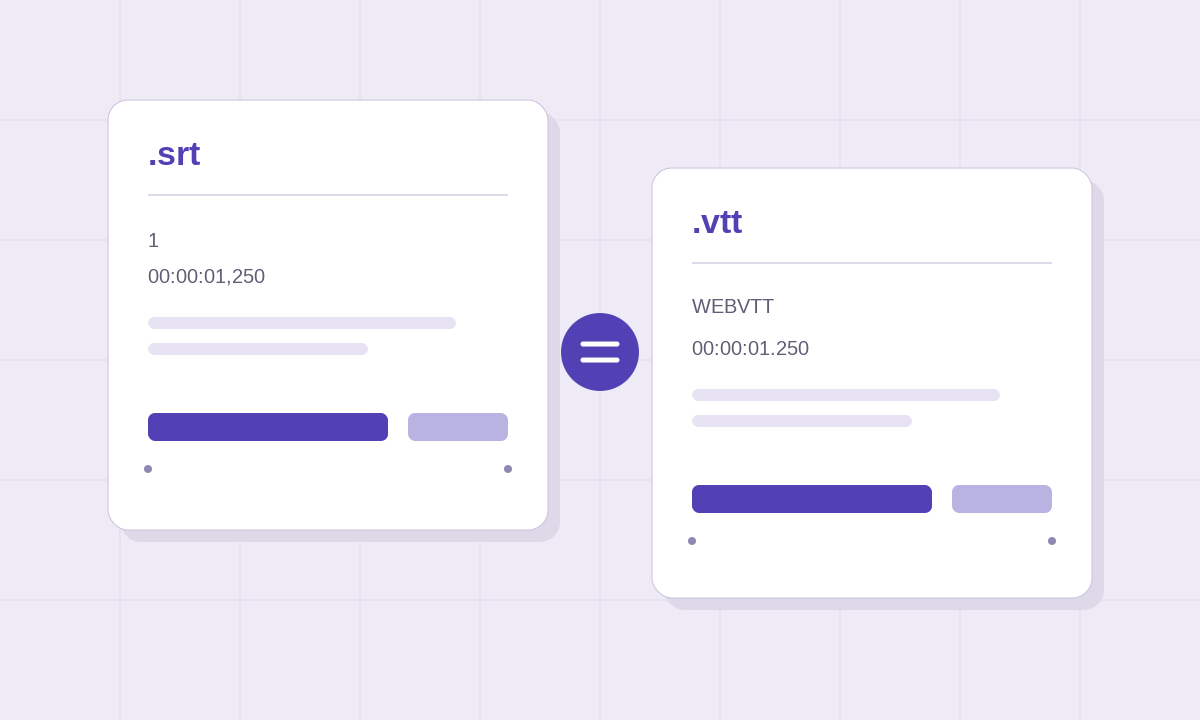
Start with audio transcription for a recording or video to text for a video soundtrack. Use subtitle generation when you need SRT or VTT files. Compare SRT and WebVTT before changing formats, and read how to review translated subtitles before publishing a translated caption track. If a recording will not open or the result looks wrong, use the transcription troubleshooting guide instead of changing the language settings blindly.
Transcribana keeps local file processing and offers both workflows in the browser. It does not guarantee perfect recognition or translation, and it does not turn a rough machine result into a certified transcript. The useful comparison is not “which word is more impressive?” but “which task does this project actually need, and who will review the result?”