A transcript makes a lecture easier to revisit, but it does not decide what you understand. A page full of definitions can look finished while leaving the relationships between them unclear. Use the transcript as a navigable source for your own notes, not as a substitute for working through the course. This guide describes a manual study workflow; Transcribana does not automatically generate summaries, flashcards or quizzes.
Set the purpose and check permission
Choose one concrete task: explain a concept, reconstruct an example or identify a question for the instructor. Before recording or processing a lecture, check the course and institution’s rules and any permissions required for the material. Access to a recording does not itself authorize redistribution. Keep classmates’ contributions and private discussion out of shared notes unless sharing is appropriate.
Save the course name, lecture date and recording version in your own records. Gather slides or assigned reading when available. These are separate sources: the transcript captures speech, not diagrams, formulas on a board or unspoken slide content. Do not pretend a missing visual explanation was present in the audio.
Create a draft you can return to
Choose the local recording and its spoken language, then allow the required model to load. Long recordings consume local time and resources; there is no guaranteed duration or completion time. Keep the original file. For your first attempt, follow the audio/video workflow and resolve file failures with troubleshooting rather than repeatedly starting the full lecture.
Read the output while replaying the passages that matter. Check technical terms, negatives, quantities and units against the audio and course materials. A spelling that looks familiar may still be the wrong concept. If a symbol was only visible on a slide, note that source explicitly. Keep an unresolved item as a question rather than guessing a definition.
Separate evidence, explanation and questions
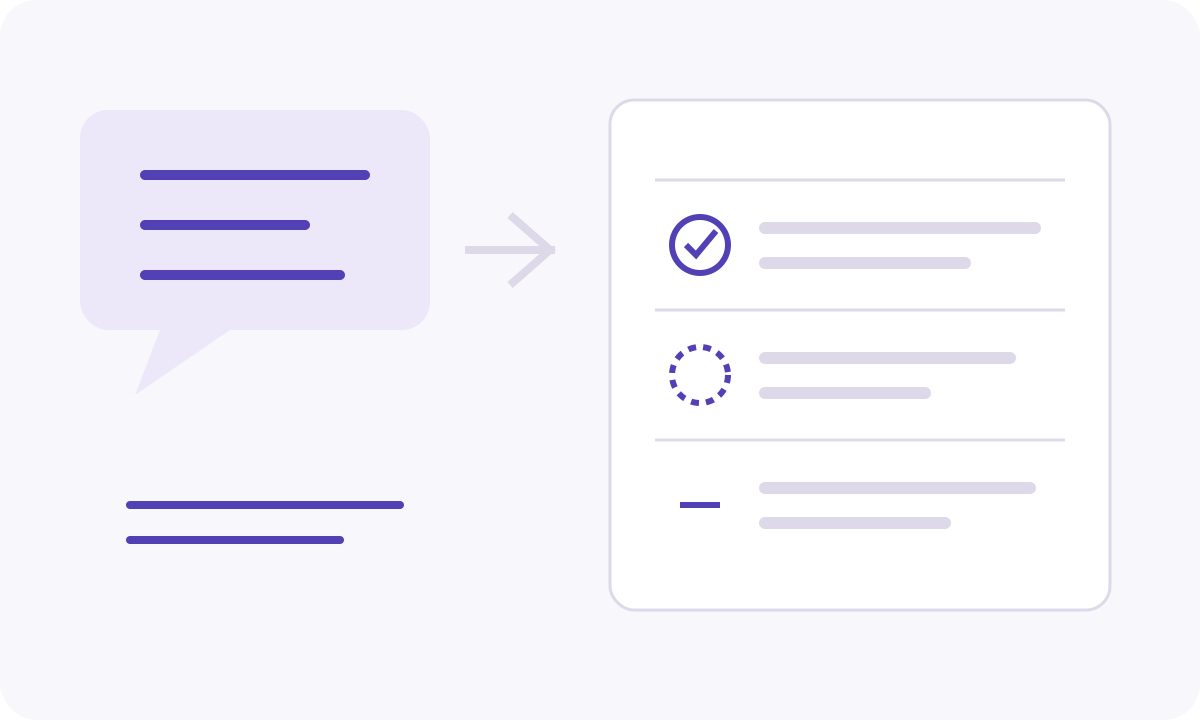
The following invented example shows a worksheet you can create yourself. Its source references are descriptive placeholders, not measured timestamps or claims about a real lecture. Use actual checked locations in your own notes; model timestamps are only navigation aids until you confirm them.
On a narrow screen, scroll the table sideways to read every column.
| Source to check | Your own study note | Question or next check |
|---|---|---|
| Lecture passage about correlation | An association alone does not establish a causal explanation. | Which alternative explanation did the instructor give? |
| Worked calculation and accompanying slide | Write each step and its unit, then compare with the slide. | Was the spoken value fifteen or fifty? Leave unresolved until checked. |
| An exception mentioned after a definition | Record the condition that limits the definition. | Can I construct an example where the condition does not hold? |
Do not combine those columns into a seamless paragraph too early. A quotation, your paraphrase and a question have different evidential status. Mark quotation boundaries and keep your interpretation outside them. A useful note can be shorter than the transcript while preserving the conditions and exceptions that make the explanation correct.
Turn rereading into a task
Cover the explanation column and try answering the question in your own words. Then reopen the source and correct what you missed. If you can only repeat a definition, try applying it to a new example. A failure to answer is a useful signal about what to revisit, not a reason to add more unchecked transcript text.
The University of Guelph’s lecture note guidance treats notes as part of learning even when slides and recordings are available. Use this worksheet as a practical adaptation, not a promise of grades or a claim that one note-taking format suits every learner. Keep the course’s own assessment expectations in view.
Keep corrections and timed exports straight
You can edit the readable document and review available writing suggestions, but a writing checker cannot validate a theorem, scientific claim or equation. Copy Text and TXT follow the selected document version. SRT, VTT and JSON retain canonical recognition segments rather than inheriting document corrections. Save reviewed prose and source-location notes together in your own study system.
If you need subtitles for replay, verify words and cue times separately. Missing valid timing must not become an invented source citation. See SRT versus WebVTT for the format distinction. Keep the original lecture so you can resolve a later disagreement between your notes and the transcript.
Finish one topic before accumulating more text
At the end of a session, keep a short list of checked concepts and unresolved questions. Label which recording, slide or reading supports each important point. Reopen the exported text to check characters and units, and save it before leaving the browser. The goal is a set of notes you can explain and verify, not the largest possible transcript.
- Check permission and intended sharing.
- Identify one learning task.
- Keep speech and visual sources distinct.
- Verify terminology, quantities and exceptions.
- Separate quotations, explanations and questions.
- Test your explanation against the source.
- Save checked notes and unresolved questions.