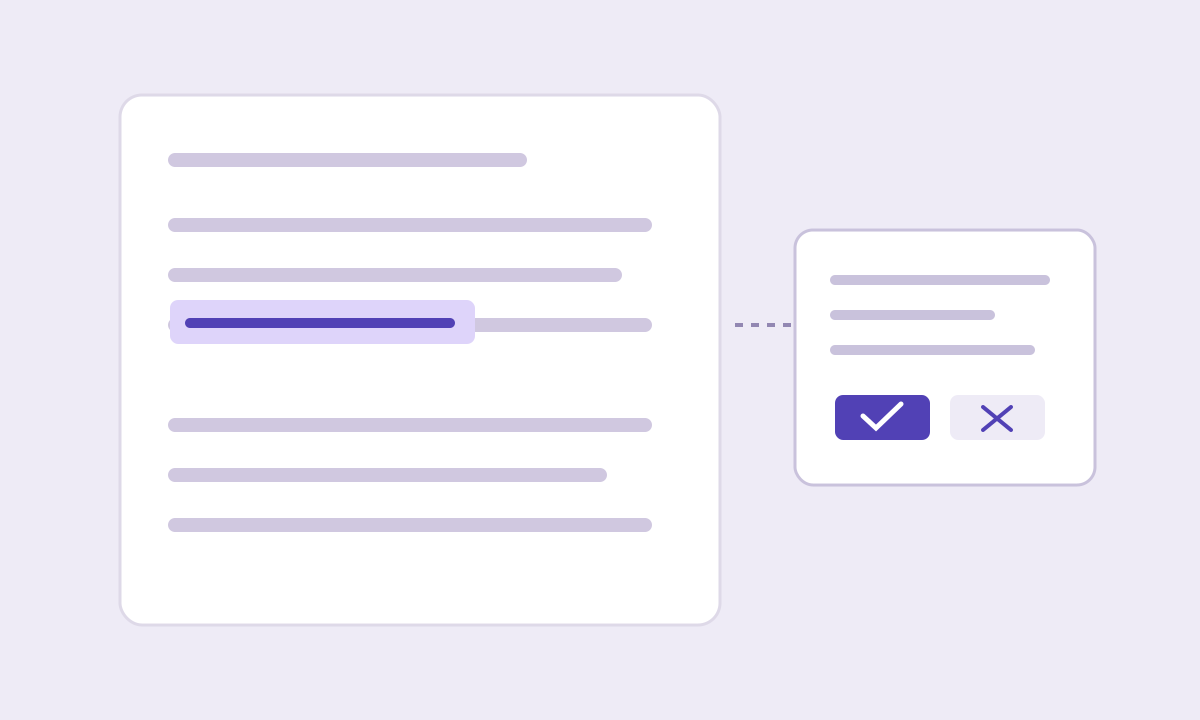
A transcript is useful evidence for review, but it is not automatically a set of agreed minutes. “We could deliver on Friday” is different from “We will deliver on Friday”. A small edit can turn a possibility into a commitment. This guide describes a manual review process for meetings and interviews; Transcribana does not automatically identify speakers, approve decisions or generate meeting minutes.
Define the record and its audience
Decide whether you need a faithful interview transcript, an edited reading copy or a separate decision record. Those outputs should not be interchangeable. Keep the recording and raw transcript available, and label the purpose and version of the document you circulate. A polished reading copy should not be presented as an untouched record.
Check your organization’s or research project’s rules for recording, processing, attribution and sharing. Local processing does not settle permission or confidentiality questions. Do not attach a private recording to a support request merely because a recognition result is wrong. The privacy guide explains the distinction between local content handling and website requests.
Confirm the source before assigning a speaker
Listen to the beginning and end of the passage, not just the sentence you want to use. Another person may interrupt, qualify the statement or reject it immediately afterward. The transcription does not supply verified speaker identities. Add names manually only when you can establish them from the recording or reliable contemporaneous notes.
If voices overlap or identity remains uncertain, use a clear working label such as “speaker not confirmed” in your review notes. Do not assign a statement to the person who seems most likely to have made it. Separate confirmation of a name’s spelling from confirmation that the person spoke that passage.
Build a decision log alongside the transcript
The following invented examples are not model outputs or actual commitments. In your own log, add the checked source location and who reviewed it. A model timestamp is a starting point for finding the passage, not independent proof of a decision.
On a narrow screen, scroll the table sideways to read every column.
| Recorded wording to verify | Unsafe conclusion | Safer review entry |
|---|---|---|
| We could deliver on Friday. | Friday is the agreed deadline. | Proposal only; confirm whether a later passage records agreement. |
| Maya will check the figure. | Maya approved the figure. | Action to verify a figure; approval is not established. |
| I did not authorize fifteen units. | Fifty units were authorized. | Recheck the negative and quantity before using any conclusion. |
| A voice says yes during overlapping speech. | Everyone approved. | Speaker and scope unclear; keep unresolved and seek clarification. |
For an action entry, distinguish task, owner, deadline and status. Leave a field unknown when the recording does not establish it. If a participant later clarifies the decision, record that as a later confirmation with its own source, rather than silently rewriting what the original meeting contained.
Treat quotations differently from summaries
A direct quotation should preserve the words and their meaning in context. Removing a hesitation may be acceptable for some edited documents, but it can also change tone or apparent certainty. Do not turn “I think” into a firm assertion just to make a sentence cleaner. If you paraphrase, identify it as a paraphrase and keep a path back to the source.
The Reuters standards emphasize representative quotations and context. Use that principle when checking excerpts; it does not mean every organization follows the same approval procedure. Follow the relevant project policy for review and attribution, and do not imply the speaker approved a quotation unless that actually happened.
Make corrections without losing the audit trail
Check proper nouns, numbers, negatives and conditional language before typography. Manual editing and writing suggestions can improve a reading copy, but they cannot establish the truth of a claim or whether a decision was adopted. Accept only changes you can justify, and preserve uncertainty in a separate review note when necessary.
Keep a simple external change log for consequential edits: original wording, revised wording, source checked and reason. The app is not a collaborative approval system or a complete revision archive. Reset to Original restores the original document, so save the revised version you need first. See French transcript review for language-sensitive examples.
Verify the deliverable before circulating it
Copy Text and TXT follow the selected document version. SRT, VTT and JSON retain the canonical timed segments; document corrections do not silently update them. If you need a corrected timed interview, transfer verified changes to a suitable subtitle editor and check the result with the recording. See SRT and WebVTT for export distinctions.
Reopen the saved file and check names, special characters and the passages on which others will act. Put confirmed decisions, proposals and unresolved questions under distinct headings in your separate minutes. Keep access appropriate to the audience. A useful handoff tells the reader what has been checked and what still requires confirmation, without claiming that a fluent transcript guarantees accuracy.
- Define faithful transcript, edited copy or decision record.
- Confirm permissions and intended audience.
- Check speaker identity without guessing.
- Separate proposals from commitments.
- Preserve quotation context and uncertainty.
- Record consequential corrections and later confirmations.
- Reopen and verify the exact file you circulate.