Automatic transcription rarely fails everywhere at once. It fails in patterns: a name returns in three different spellings, a date loses a digit, a negative disappears, a noisy passage produces a fluent sentence nobody said. Learning those patterns makes review faster and more honest. This guide covers the errors you can expect and a correction method that preserves meaning. It is about a transcript that ran but contains mistakes; if the file will not transcribe at all, use the troubleshooting guide instead.
Quick answer
Correct meaning before style. Check names, numbers, dates, units and negatives against the audio first, then repair sentence boundaries and punctuation. Mark passages you cannot resolve instead of guessing. Keep the original recording and an untouched transcript until the review is complete, and do not translate an unreviewed transcript.
Why errors cluster in predictable places
Speech recognition predicts words from sound and context. It struggles where the signal is ambiguous or the context is weak: proper nouns, abbreviations, numbers, accented speech, overlapping voices, music and technical vocabulary. It can also produce a plausible sentence in a silent or noisy passage because the model expects language even when the acoustic evidence is thin. Fluency is not accuracy.
The practical consequence is that you should not review every word with equal attention. Spend time where an error changes a decision, a quotation, a price, a date, a name or a negation. A missing comma is usually cosmetic; a missing “not” can reverse the meaning of an interview answer.
The error patterns to expect
On a narrow screen, scroll the table sideways to read every column.
| Pattern | What it looks like | Why it matters |
|---|---|---|
| Names | The same person appears as “Maya”, “Mya” and “Maria” | Quotes and attribution become unreliable |
| Numbers | “15” becomes “50”, or a decimal point disappears | Prices, dosages, dates and measurements change |
| Negation | “not approved” becomes “now approved” | The conclusion can reverse |
| Homophones | Words that sound alike are exchanged | The sentence remains grammatical but wrong |
| Word boundaries | “a lot” becomes “allot” | Meaning and searchability suffer |
| Noise | A fluent sentence appears in music or silence | Invented content enters the record |
| Language switching | A quoted phrase is forced into the main language | Bilingual passages lose their wording |
| Speaker turns | A question and answer merge into one paragraph | Attribution becomes ambiguous |
These are patterns, not a complete catalogue. A transcript can contain an error that fits none of them, and a correct passage can look suspicious. The recording remains the authority.
A correction workflow that keeps meaning visible
- Read the transcript once without editing to understand the topic and the speakers.
- Listen to the passages that matter at sentence level, not word by word.
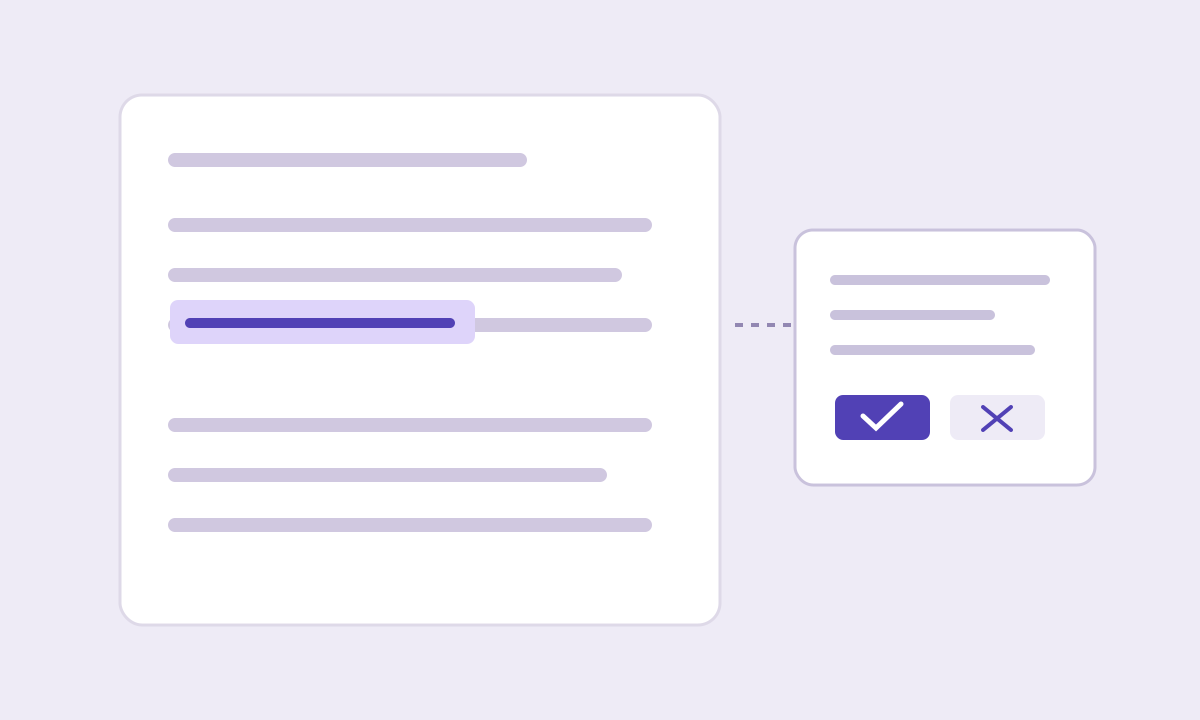
- Correct names, numbers, dates, units and negations first.
- Repair sentence boundaries and punctuation only after the meaning is right.
- Search for repeated spellings of the same name and make them consistent.
- Mark unresolved passages as uncertain instead of choosing a plausible word.
- Re-read the corrected passage against the audio before exporting or translating.
Working in this order prevents a common failure: polishing the grammar of a sentence that says the wrong thing. A grammatically elegant error is harder to notice later, especially when it is quoted out of context.
Names and proper nouns
Build a small reference list before review: people, organisations, products, places and technical terms. Use the spelling the person or organisation uses, not the one that sounds most familiar. If a name is ambiguous, ask or mark it. Do not “correct” an unusual name into a common one merely because the common one appears in a dictionary.
Consistency matters as much as spelling. If the same speaker is “Maya Chen” in the introduction and “Mya Chen” later, a reader may assume two people. Search the document for each variant and resolve it deliberately. Keep the original spelling in a verbatim quotation unless the speaker has confirmed a correction.
Numbers, dates, units and currency
Numbers are high-risk because a single character changes the value. Check the audio for “fifteen” versus “fifty”, “13” versus “30”, “1.5” versus “15”, and for units such as milligrams, millions or percentages. Confirm the date order used by the speaker: in some contexts “03/04” means 3 April, in others 4 March. Do not silently normalise a date into a different convention.
Currency and abbreviations deserve the same treatment. “USD” and “US$” may be equivalent in meaning but not in formatting. If the transcript will feed a spreadsheet or a subtitle, preserve the form the destination expects and document any conversion. Never invent a missing digit to make a number look complete.
Negation and small words
Short words carry disproportionate meaning. “Not”, “now”, “no”, “can”, “can’t”, “will” and “won’t” can disappear or change in fast speech. Listen again to every sentence where the conclusion depends on one of them. In an interview, “I don’t think that’s right” and “I think that’s right” are not interchangeable, even if the rest of the sentence is identical.
The same applies to prepositions and pronouns that change responsibility: “I sent it” versus “he sent it”, “work for” versus “work with”. If the audio is genuinely unclear, record the uncertainty. A reviewer can resolve a marked doubt; they cannot easily detect a confident substitution.
Homophones, word boundaries and punctuation
Words that sound alike are a normal source of error, especially in short segments without much context. The resulting sentence often remains grammatical, which is why a grammar checker will not catch it. Read for meaning, not just syntax. In French, distinctions such as “cent”, “sans” and “s’en” depend on context; in Spanish, “hola” and “ola” are both valid words. The recording decides.
Word boundaries can also shift: “a lot” versus “allot”, “every day” versus “everyday”, or a liaison that joins two words in French. Punctuation is part of this layer. A missing question mark can turn a question into a statement, and a misplaced full stop can merge two speakers into one turn. Correct these after the substantive words are right.
Invented or repeated text in noise
When the audio contains music, silence, applause or a long pause, an automatic transcript may produce words that were not spoken, repeat a phrase, or continue a sentence that ended. Treat any passage that sounds oddly fluent in a noisy section as suspect. Listen to the audio before keeping it. If there is no speech, the honest transcript may be a note such as “[music]” or “[silence]”, not invented dialogue.
This is also a reason not to translate before review. A fabricated sentence translates into a fluent sentence in another language, and the translation then looks more authoritative than the original error. Review the source first.
Language switching, dialect and borrowed words
Speakers may quote another language, use a dialect term or switch languages mid-sentence. Automatic recognition may force the passage into the main language or replace a borrowed word with a similar-sounding local word. Preserve the original wording where you can hear it, and mark the language of the passage if the deliverable needs that information. Do not translate a quoted phrase just because the rest of the transcript is in another language.
Dialect and accent are not errors. If a speaker uses a regional form, do not silently replace it with standard vocabulary unless the project explicitly requires a cleaned version. Record the decision in your notes so a later reviewer does not “correct” it back.
What not to do
Do not use a grammar checker as an audio verifier. It can improve style while leaving a wrong name or a missing negation untouched. Do not accept every suggestion in a batch; review changes individually, especially inside quotations. Do not translate the transcript to “check” it, because translation adds another layer of interpretation. Do not delete an uncertain passage to make the document look complete.
When re-recording is better than editing
If a passage is inaudible, clipped, drowned by noise or spoken by several people at once, editing cannot recover the missing words. A short re-recording or a follow-up clarification is often more honest than a polished guess. For future recordings, use the recording preparation guide to improve the source before transcription.
What Transcribana does and does not do
Transcribana recognises speech locally in the browser and exports the result as text or timed segments. It does not know your names, your organisation’s terminology or which number is correct. It does not provide a verified transcript, a confidence score you can treat as proof, or automatic fact-checking. Copy Text and TXT follow the selected readable version; SRT, VTT and JSON keep the original recognized segments, so corrections made only in the document do not automatically change the subtitle exports.
For failure diagnosis, read audio or video will not transcribe. For the limits of recognition, see how speech recognition works. For multi-person recordings, use the speaker labels guide. For timing problems, read timestamps and timecodes. If the corrected text will be translated, review transcription vs translation first.