Best supported on current desktop Chrome. Codec support, speed and memory vary by browser and device. Mobile transcription is not guaranteed.
↑
Drop an audio or video file here
Interviews, meetings, lectures, and everything worth keeping.
Audio and video files are processed locally in your browser.
Supported file formats
MP3, WAV, M4A, AAC, FLAC, OGG, OPUS, MP4, MOV, WebM, MKV, M4V and 3GP with supported audio codecs. Files are checked locally. AVI, WMA and MPEG/MPG program streams are not supported. Codec support varies by browser.
◇
Your files stay on your device.
Transcription runs locally in your browser. Your audio and video are not uploaded to our servers.
Checking file…
Auto Detect uses the opening audio to choose one spoken language. Accuracy varies by language and recording. Amharic transcription is currently unavailable because it can produce incorrect text. Review every transcript against the recording.
Advanced settings
Models download on first use. A loaded model is reused; change model or processing mode to release it.
No account. No upload.
Ready when you are0:00 elapsed
Choose a recording to get started.
Progress will appear here.
YOUR TRANSCRIPTION
Your words, ready to use.
In progress
A readable document. Edit the text once transcription is complete.
Document edits apply to copied text and TXT. Subtitles and JSON preserve the original timed transcription.
Original speech segments, with their timestamps.
The structured result from this transcription.
Processing details
Timestamps are model estimates. Total RAM and GPU memory are not available to this page; use your browser’s task manager.
Arabic uses a dedicated model with about 1.33 GB of weights and CPU/WASM processing. The first run may take several minutes. General model and GPU choices do not change the Arabic model.
Prepare the recording and your references
Use a class recording you are permitted to process. Keep any slides or reading list separately: this tool transcribes spoken audio, not writing on a board or equations visible in a video. An exported audio file or recorded lecture video can be selected above. If you need format guidance, start with audio files or video audio tracks. A distant microphone and student questions from across the room can make parts difficult to recognize.
Allow time for a long class
Choose the spoken language and start with a representative recording before committing to a very long lecture. The browser prepares bounded audio windows, but the overall task still uses memory and processor time. Keep the tab open and avoid concurrent heavy jobs. The first model download is separate from transcription time. Arabic uses its dedicated model, with about 1.33 GB of weights; neither the general model selector nor the GPU choice changes that Arabic path.
Check terms, formulas and quoted sources
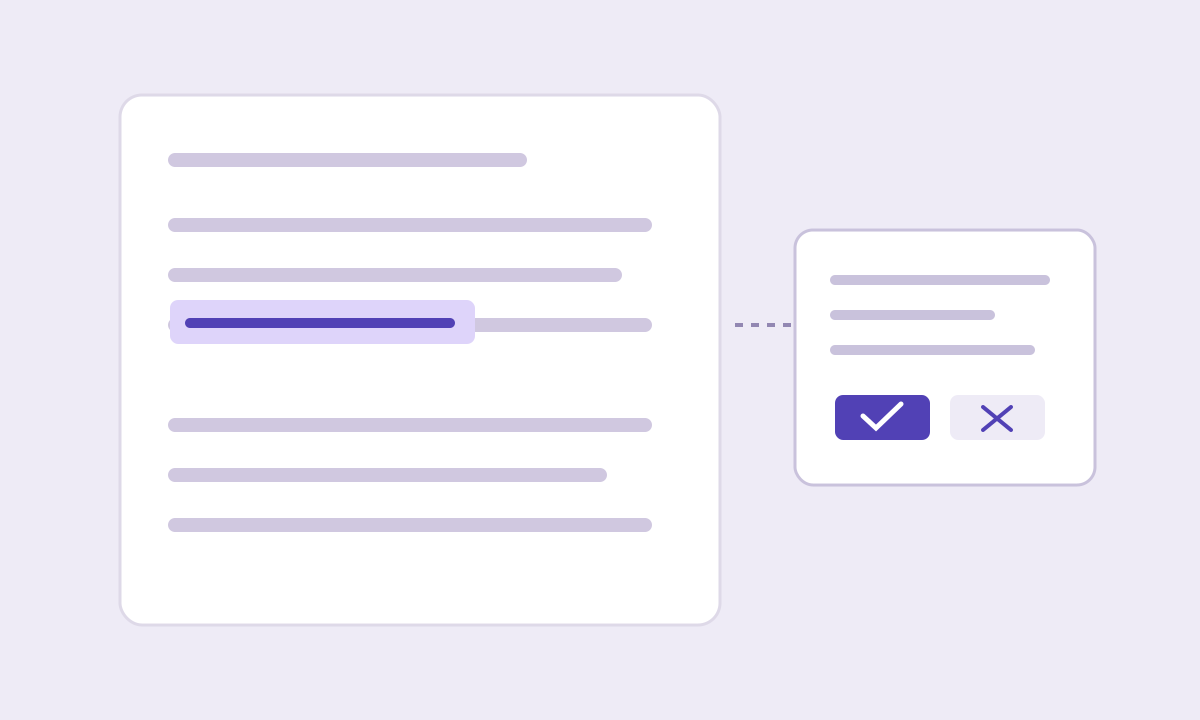
Compare technical words, dates and references with the course material while listening. If a lecturer says “x squared,” the transcript is not an equation parser and may not reproduce mathematical notation. A phrase such as “as shown here” needs its slide context; do not expect visual information to appear automatically. Add your own study annotations in the working document only after checking the recording. The accuracy review guide explains which errors to prioritize.
Build your study material from reviewed text
Download TXT for the readable working version, or copy it into your own study document. Summaries, quizzes and study plans are not generated. Keep JSON if another tool needs the original segment times; review SRT or VTT separately if you want a caption track. Timed exports do not receive corrections made to the readable document. Save before leaving the page, and respect course permissions when sharing the transcript with other students.
We use optional cookies to understand how visitors use our website and improve your experience. You can accept or decline. Your choice won't affect access to our tools.