Best supported on current desktop Chrome. Codec support, speed and memory vary by browser and device. Mobile transcription is not guaranteed.
↑
Drop an audio or video file here
Interviews, meetings, lectures, and everything worth keeping.
Audio and video files are processed locally in your browser.
Supported file formats
MP3, WAV, M4A, AAC, FLAC, OGG, OPUS, MP4, MOV, WebM, MKV, M4V and 3GP with supported audio codecs. Files are checked locally. AVI, WMA and MPEG/MPG program streams are not supported. Codec support varies by browser.
◇
Your files stay on your device.
Transcription runs locally in your browser. Your audio and video are not uploaded to our servers.
Checking file…
Auto Detect uses the opening audio to choose one spoken language. Accuracy varies by language and recording. Amharic transcription is currently unavailable because it can produce incorrect text. Review every transcript against the recording.
Advanced settings
Models download on first use. A loaded model is reused; change model or processing mode to release it.
No account. No upload.
Ready when you are0:00 elapsed
Choose a recording to get started.
Progress will appear here.
YOUR TRANSCRIPTION
Your words, ready to use.
In progress
A readable document. Edit the text once transcription is complete.
Document edits apply to copied text and TXT. Subtitles and JSON preserve the original timed transcription.
Original speech segments, with their timestamps.
The structured result from this transcription.
Processing details
Timestamps are model estimates. Total RAM and GPU memory are not available to this page; use your browser’s task manager.
Arabic uses a dedicated model with about 1.33 GB of weights and CPU/WASM processing. The first run may take several minutes. General model and GPU choices do not change the Arabic model.
Use the final episode edit
Choose the actual episode file you plan to publish, not an earlier edit with different cuts or inserted adverts. Transcribana reads a local audio or video file; it does not fetch RSS feeds, hosting links or YouTube URLs. An MP3 episode can be opened directly when its audio is supported. Keep a lossless source if you already have it, but converting an existing compressed MP3 to WAV will not recover lost detail. See MP3 transcription guidance.
Handle intros, guests and overlapping voices
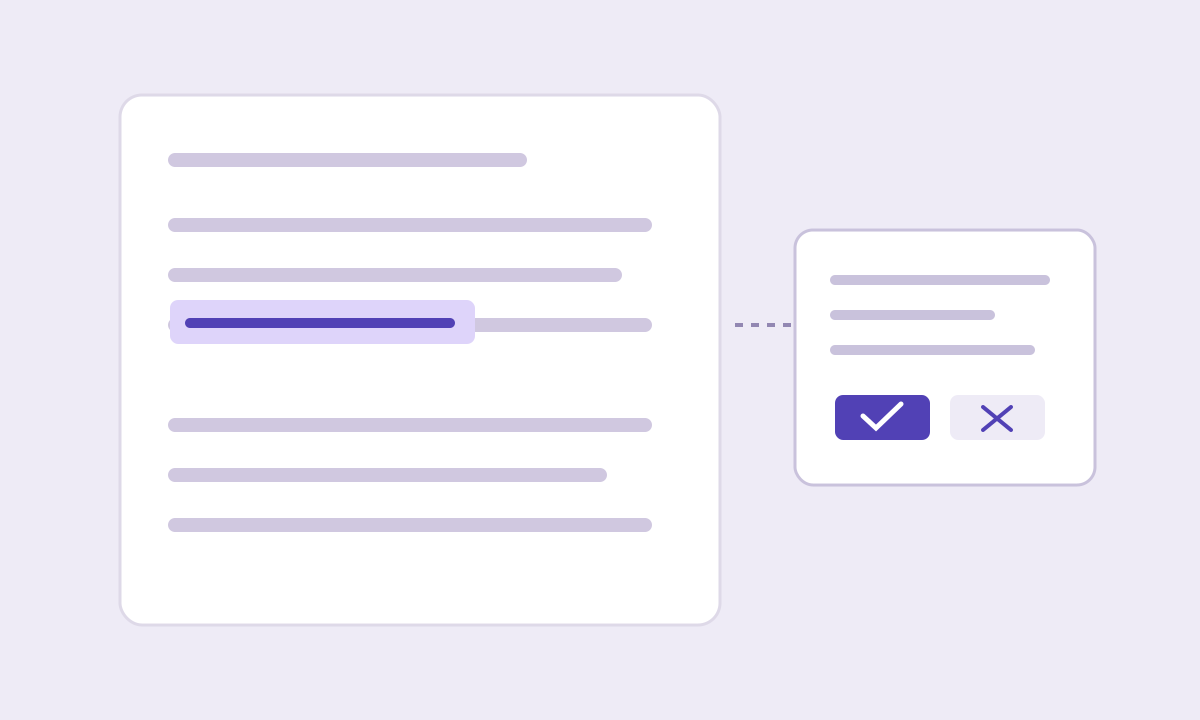
Select the spoken language explicitly if an episode starts with a long music bed, a trailer or a brief foreign-language greeting. Automatic detection uses the opening audio. Review guest names, product names and quotations carefully, especially during cross-talk. No speaker identification or automatic chapter creation is provided. You can label speakers manually in the readable working text after listening; the model should not be treated as an authority on who said a line.
Choose between reading and synchronized output
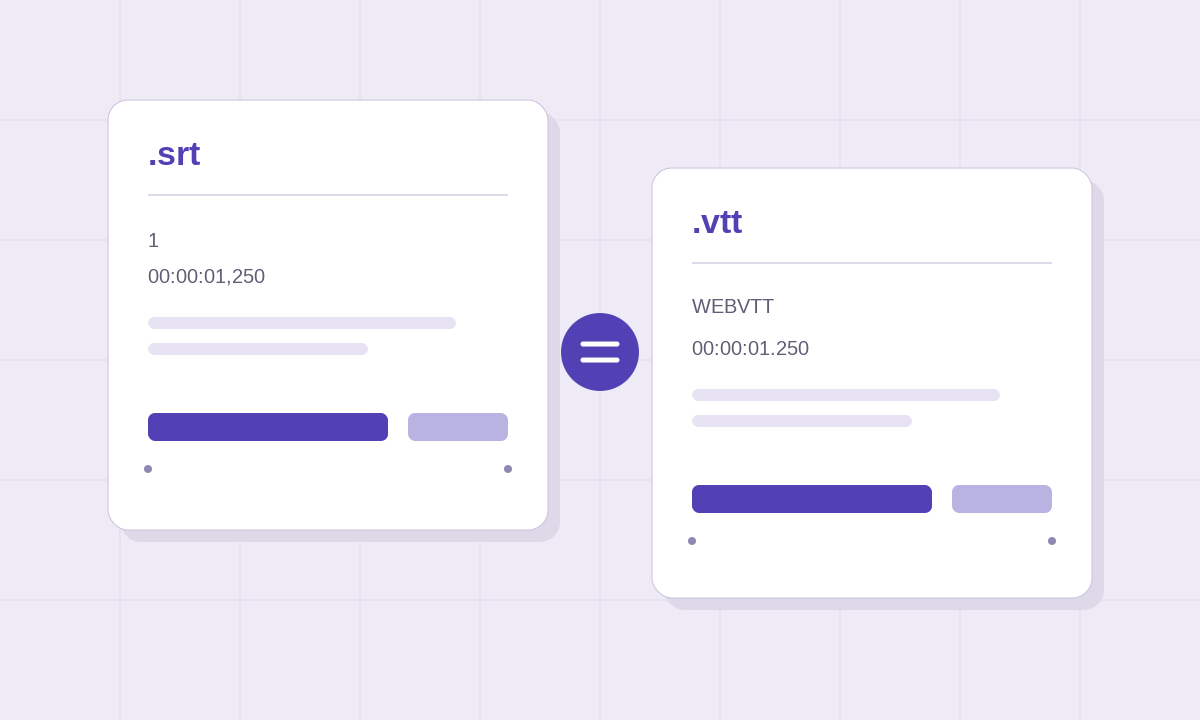
Use TXT for a readable episode transcript. If you publish a video version, SRT or VTT can provide an initial caption track. These timed exports keep original segments; correcting a guest’s surname in the document will not silently update the caption file. The SRT and VTT comparison explains destination formats. If you later cut an advert or shorten the introduction, old cue times may no longer match: review against the exact final media.
Review before publishing elsewhere
Copy the reviewed text into your publishing workflow yourself. This app does not host transcripts, generate show notes, summarize episodes or distribute a podcast. Check permission to publish guest statements and keep factual corrections distinct from changes to a quotation. Model downloads and device limits affect the first run, especially for long episodes; use a current desktop browser and save the result before closing the tab. A transcript can support access to the spoken content, but it is not a finished accessibility audit.
We use optional cookies to understand how visitors use our website and improve your experience. You can accept or decline. Your choice won't affect access to our tools.